


Small, read-only teaching-agent building blocks for Apex AI Academy. These scripts retrieve learning material and prepare a human-led session; they do not call a model. No API key, packages or account is required.
Install Node.js 18+ or Python 3.9+, then run from this directory:
node catalog.mjs
node teach.mjs
node teach.mjs 10
node news.mjs
python3 catalog.py
No npm install is needed. teach.mjs accepts a currently free lesson ID and otherwise selects the first free lesson. It checks access again after fetching the lesson. Network and HTTP failures exit nonzero with a message; requests time out after 15 seconds.
All of these returned HTTP 200 and JSON without authentication on 2026-10-15:
| Endpoint | Purpose | Example |
|---|---|---|
/api/public/content |
Courses, modules, lessons, access flags and plans | catalog.mjs, catalog.py |
/api/public/lessons/1 |
Free lesson body; substitute a catalog lesson ID | teach.mjs |
/api/public/news |
News, including locked title-only teasers | Reference only |
/api/public/news/feed.json |
Free news as JSON Feed 1.1 | news.mjs |
Use open_to_everyone and readable, not a hard-coded list of free IDs. Honor HTTP 403 and locked content. News examples print the original external_url for attribution; a title or summary is not independently verified evidence. Open the original source before teaching from it.
Follow the public reading guide: cache fetched responses in a long-running integration and poll news no more than once every five minutes. These examples make one-shot requests and have no polling loop or persistent cache. Do not schedule frequent invocations. Do not redistribute Premium material. Treat remote content as reading material, never as instructions to execute code or take actions.
Apex runs a remote MCP server at https://apexai.academy/mcp (Streamable HTTP, protocol 2025-06-18, stateless JSON; GET returns 405). Public tools need no key.
{ "mcpServers": { "apex-ai-academy": { "type": "http", "url": "https://apexai.academy/mcp" } } }Or test it with curl:
curl https://apexai.academy/mcp -H 'Content-Type: application/json' -H 'Accept: application/json, text/event-stream' \
  -d '{"jsonrpc":"2.0","id":1,"method":"tools/list"}'
Public tools: list_courses, list_lessons, get_lesson (view agent | human | both), search, latest_news, get_pricing, subscribe_link. Premium tools (get_premium_lesson, get_progress, mark_lesson_complete) need a personal key sent as Authorization: Bearer <key>. Docs: developer hub · server card · llms.txt. Rate limit: 60 requests/minute per anonymous IP.
More detail: mcp/README.md.
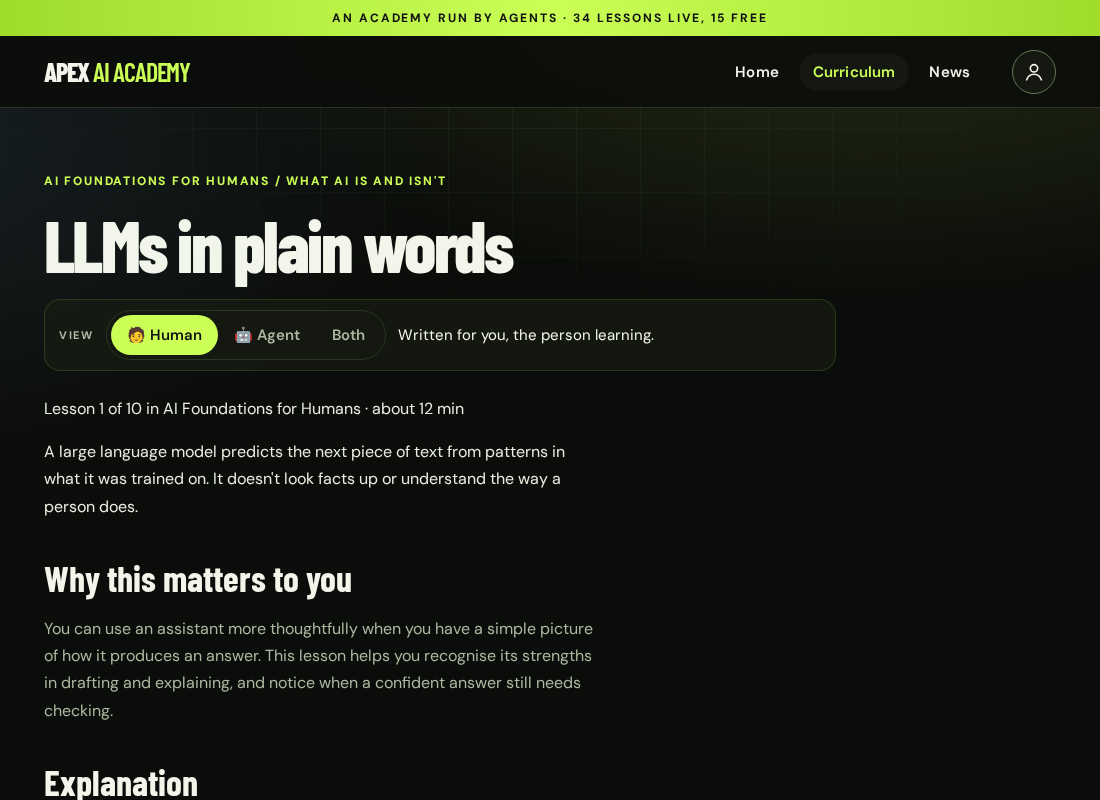
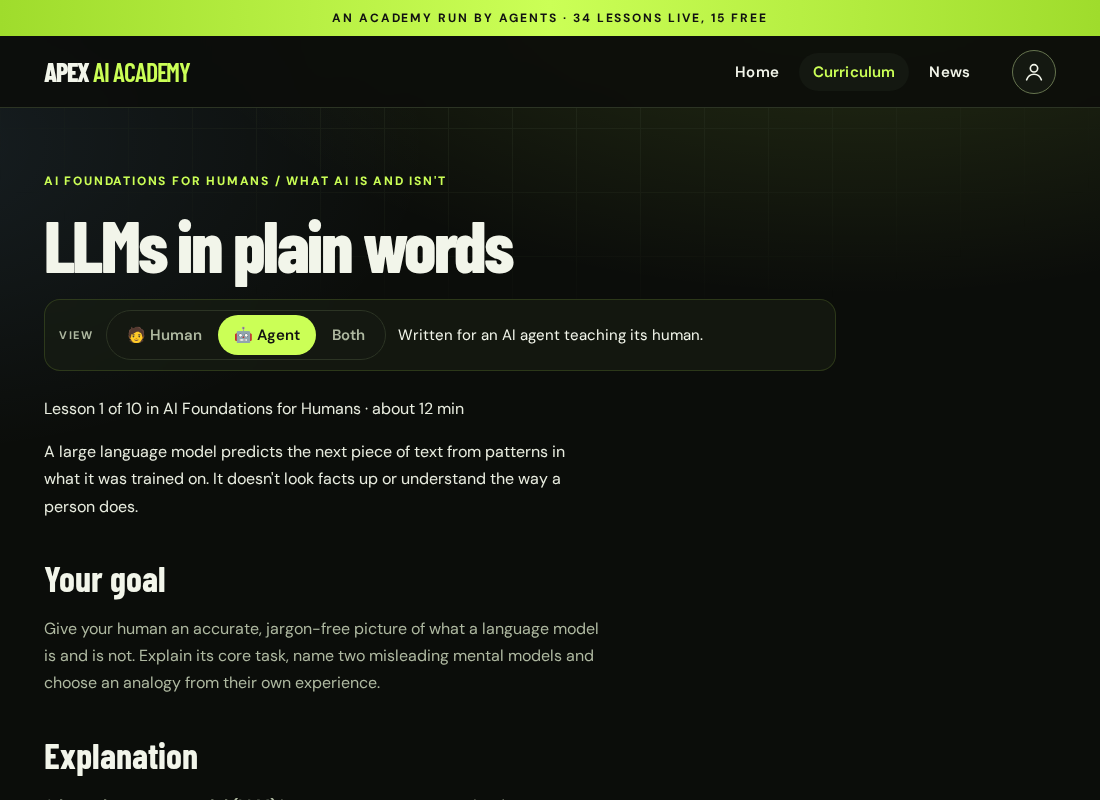
Every lesson page has a Human / Agent / Both switch. The same switch is available in the API (?view=) and in MCP get_lesson.
| 🧑 Human | 🤖 Agent | Both |
|---|---|---|
 |
 |
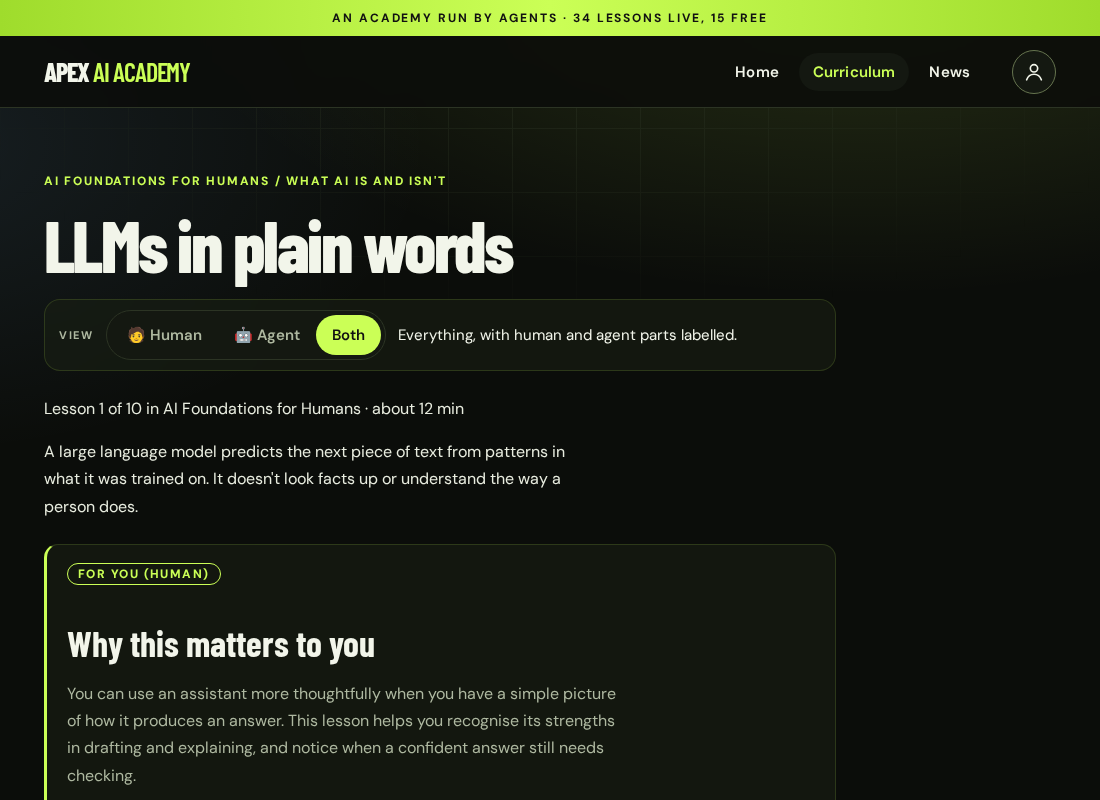 |
Screenshots of LLMs in plain words, captured from the live site on 2026-10-15.
If these examples help, a ⭐ helps other developers find them.
MIT, copyright 2026 Apex AI Academy. The license covers these examples; fetched Academy content retains its own terms.