Backup your albums and enable smart searching in the Coon Gallery android app.
| What it does | How it helps |
|---|---|
| Improve the search of you android gallery by generating metadata for your images. | Is there a cat in a photo? Just search "cat" to find it! |
| Simple in-app albums search. | Don't have your phone with you? Use the in-app search to find images directly! |
| Sync your albums from your phone to your PC. | Tired of relying on the cloud? Make local backups with just one click! |
| Sync your metadata between devices. | Modified your metadata somewhere? You can move it from one device to another! |
Choose a version from the releases page and download the installer or clone the repository and build it yourself.
This app needs Python installed for metadata generation to work. It was tested using Python 3.13.11, tho other versions may work:
-
Setting up a Python environment
To create a virtual environment, navigate to the
python/folder in your app installation directory and run:python -m venv .venv
This will create a local
.venvfolder containing a dedicated Python install to isolate all app dependencies.Note: If the virtual environment is missing, your global Python installation will be used instead.
-
Installing dependencies
To install the dependencies, first enable the virtual environment by running:
.venv\Scripts\activate.bat
inside your terminal, then use:
pip install name==version
to install all required packages:
- transformers (4.53.3)
- pytorch (2.9.1, select the best option for your GPU setup)
- einops (0.8.1)
- timm (1.0.24)
Note: Using other versions may work, but these are the ones used while developing the app:
-
Downloading the models
Metadata generation relies on two AI models:
Florence2for generating captions, labels and detecting text.Paraphrase multilingual MiniLM L12 v2for generating embeddings.
You can download them manually from their respective Hugging Face repositories:
-
Placing the models
Create a
python/models/folder inside the app install location and place the model files inside.It should look like this:
Coon-Bridge/
├─ python/
├─── .venv/
├───── ...
├─── models/
├───── florence2/
├─────── model.safetensors
├─────── tokenizer.json
├─────── ...
├───── paraphrase-multilingual-MiniLM-L12-v2/
├─────── model.safetensors
├─────── tokenizer.json
└─────── ...
The app is divided into different screens.
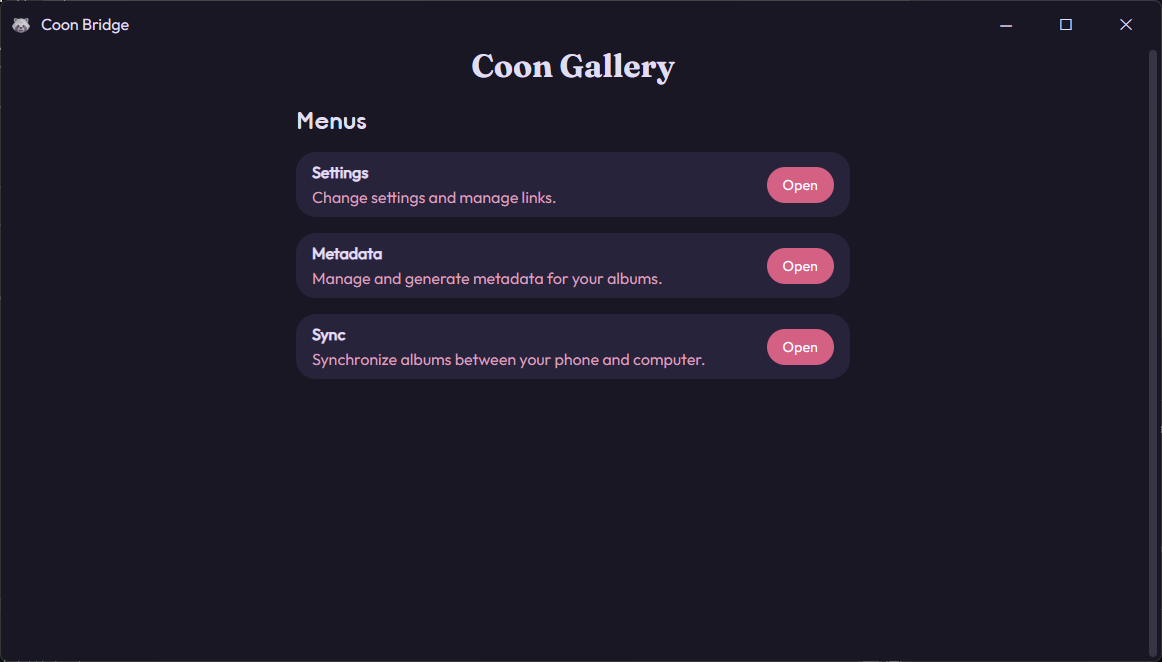
This is the screen where you are greeted after opening the app. You can use it to navigate to other screens or exit the app.
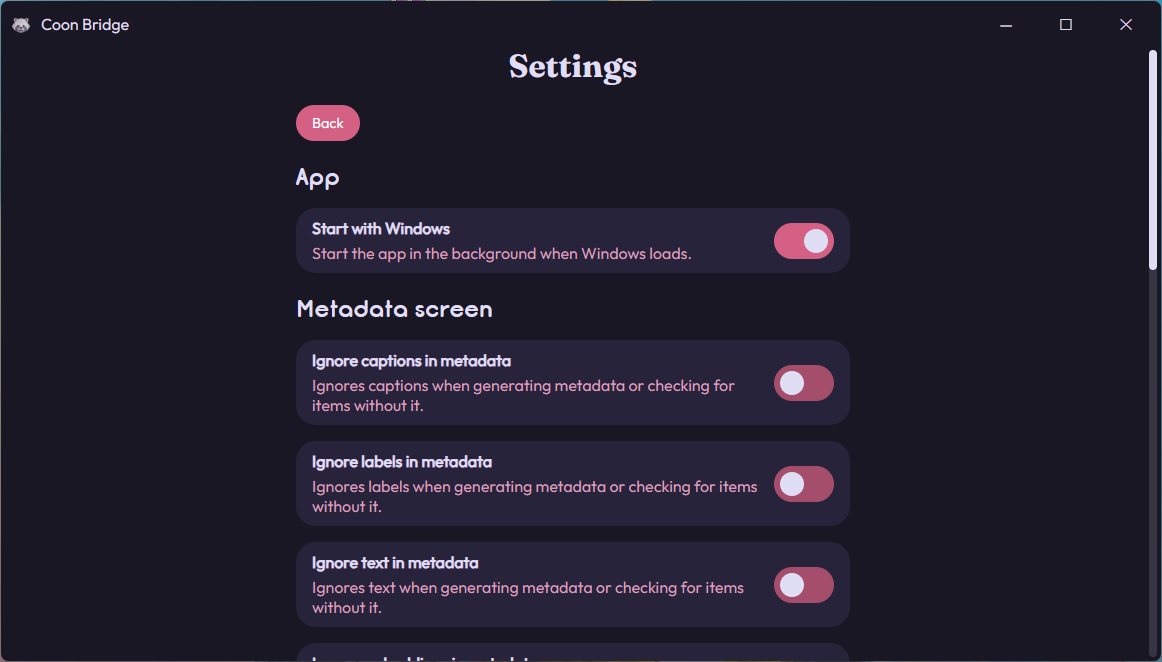
Here you will be able to change different options of the app and setup links, which are connections between an album folder and a metadata file.
-
Adding an album folder will let you use the sync screen to backup your albums from your phone to your computer.
-
Adding an album folder and a metadata file will let you use the metadata screen to generate information about your images and improve search.
Note: links should be in the same order as in the phone app.
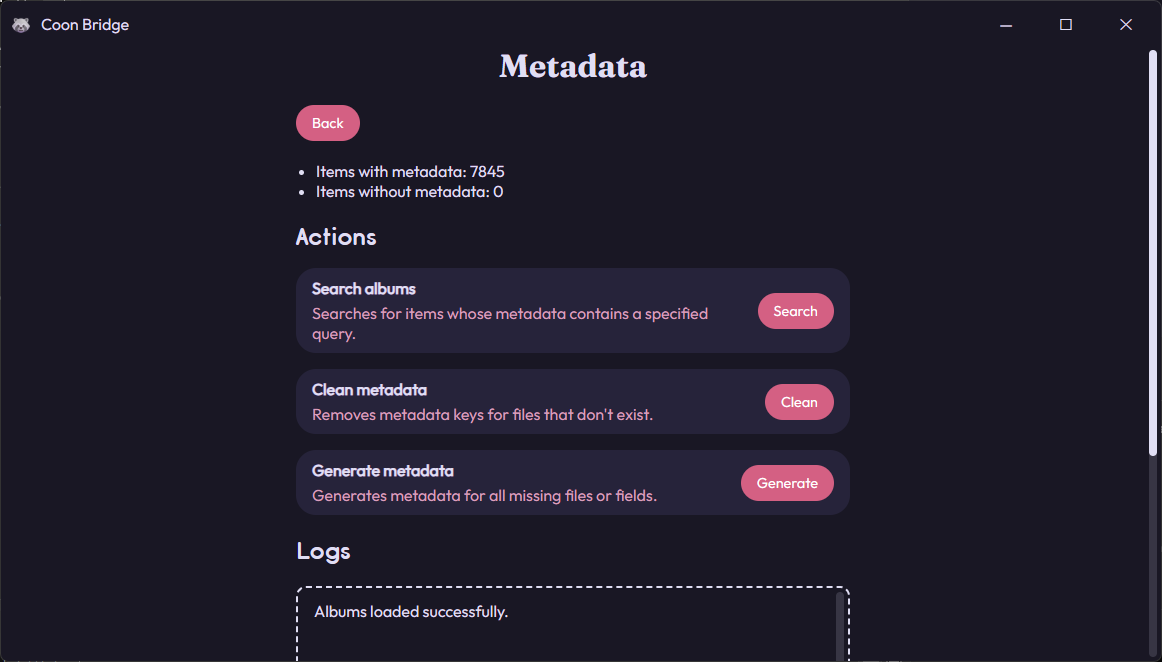
Here is where you can search and generate information about your images. There are 3 different actions to perform.
-
Search albums: asks for a text input and searches in your albums to find images that contain it. If you search for "cat", images containing a cat will appear.
-
Clean metadata: removes information about deleted images. You'll most likely never need to use this.
-
Generate metadata: generates metadata for all images that don't have it:
-
A description about the image.
-
A list of labels for things in the image.
-
A list of text detected in the image.
-
An embedding vector to enable "natural language" search in the android app.
-
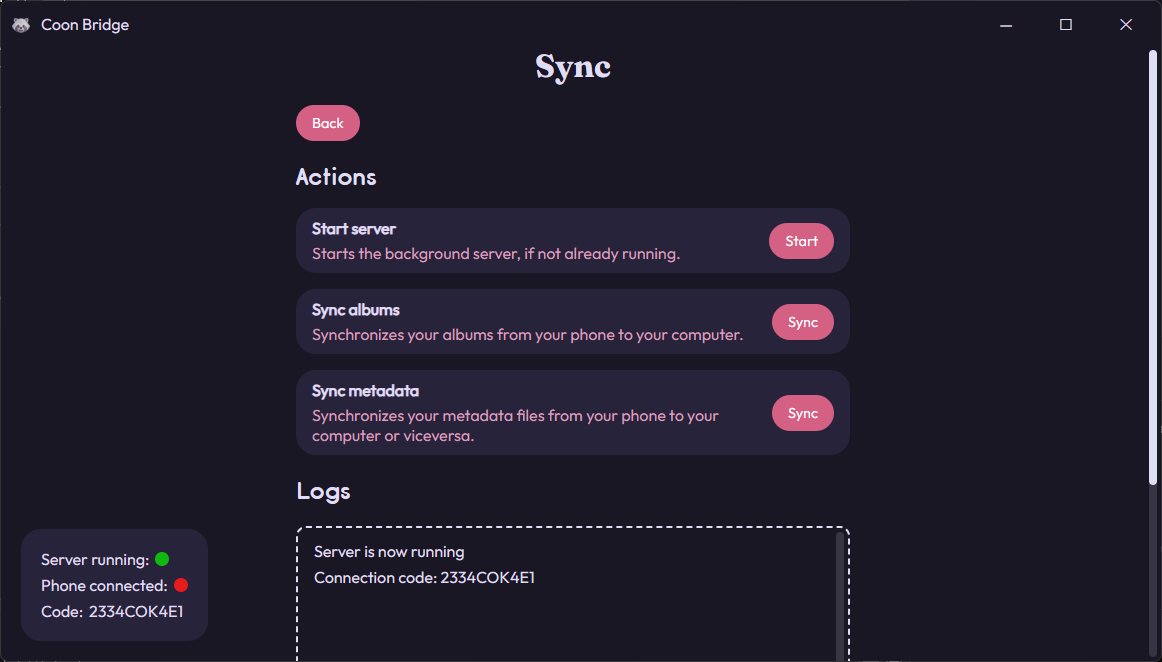
The app has a server running in the background so that the phone app can connect to it. This screen lets you perform actions when the phone is connected.
-
Start server: in case there was a problem, you can try restarting the server from here.
-
Sync albums: creates a backup of the linked albums from your phone in your computer.
-
Download metadata: updates the metadata files from your computer with the ones in your phone.
-
Upload metadata: updates the metadata files from your phone with the ones in your computer.