


A game launcher that runs Windows games on Apple Silicon Macs, with no CrossOver subscription and no manual Wine setup. Corvus Arcade bundles its own redistributable engine, Wine 11 with DXMT and Apple's D3DMetal (Game Porting Toolkit), and drives it from a native SwiftUI launcher. Pick a game, press Play. It is free, and it runs entirely on your Mac.
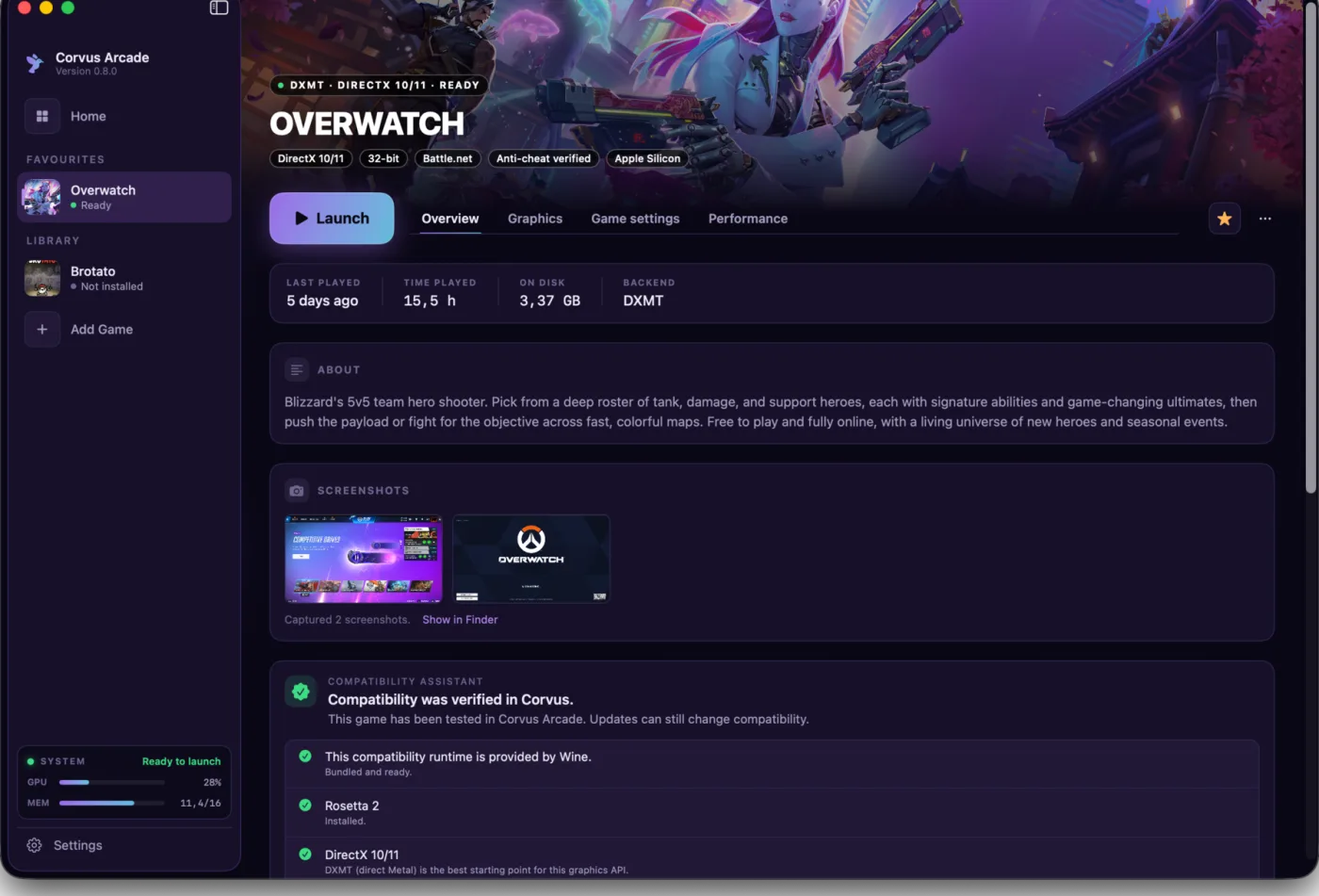
Your Windows game library, presented as a native Mac launcher.
 |
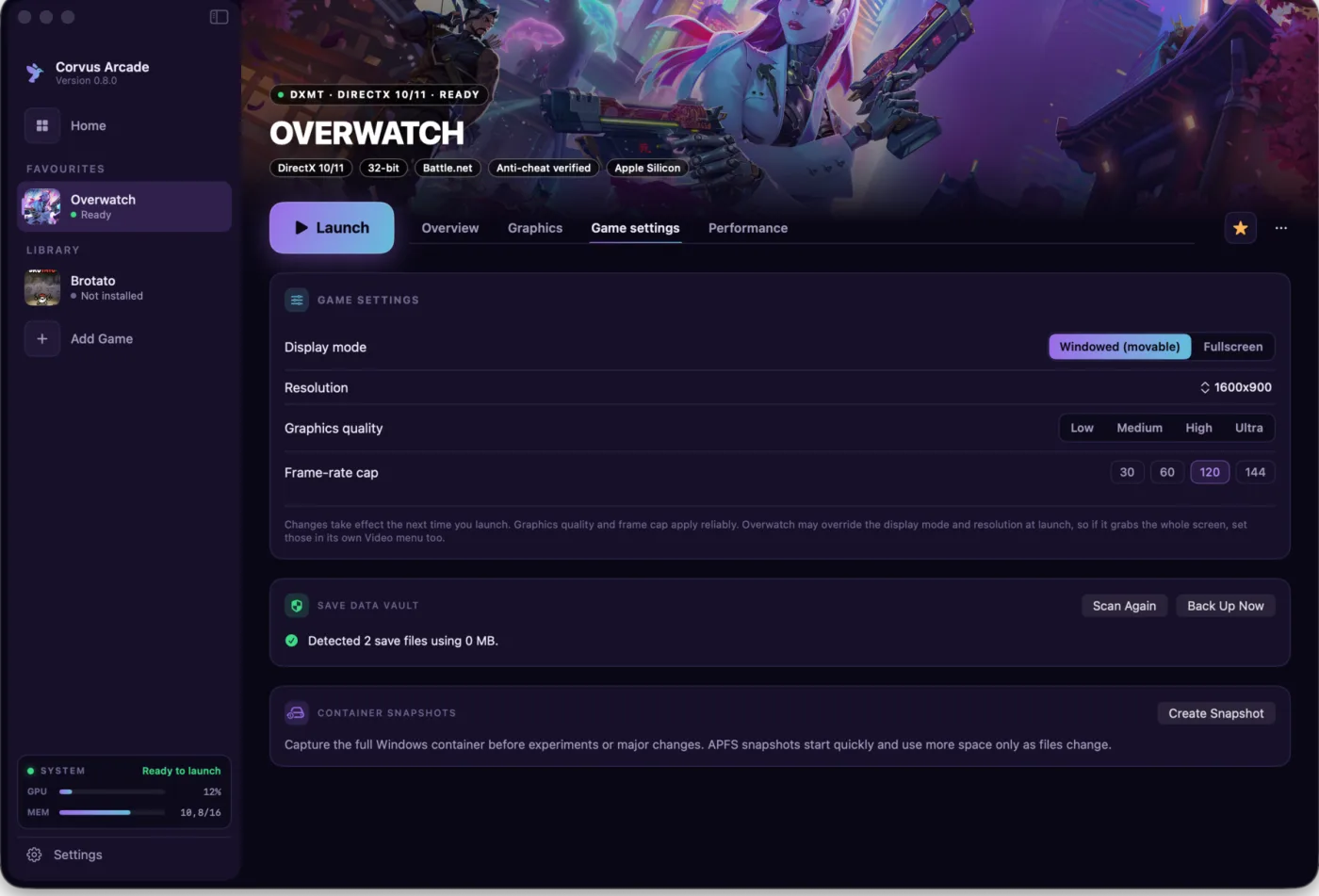 |
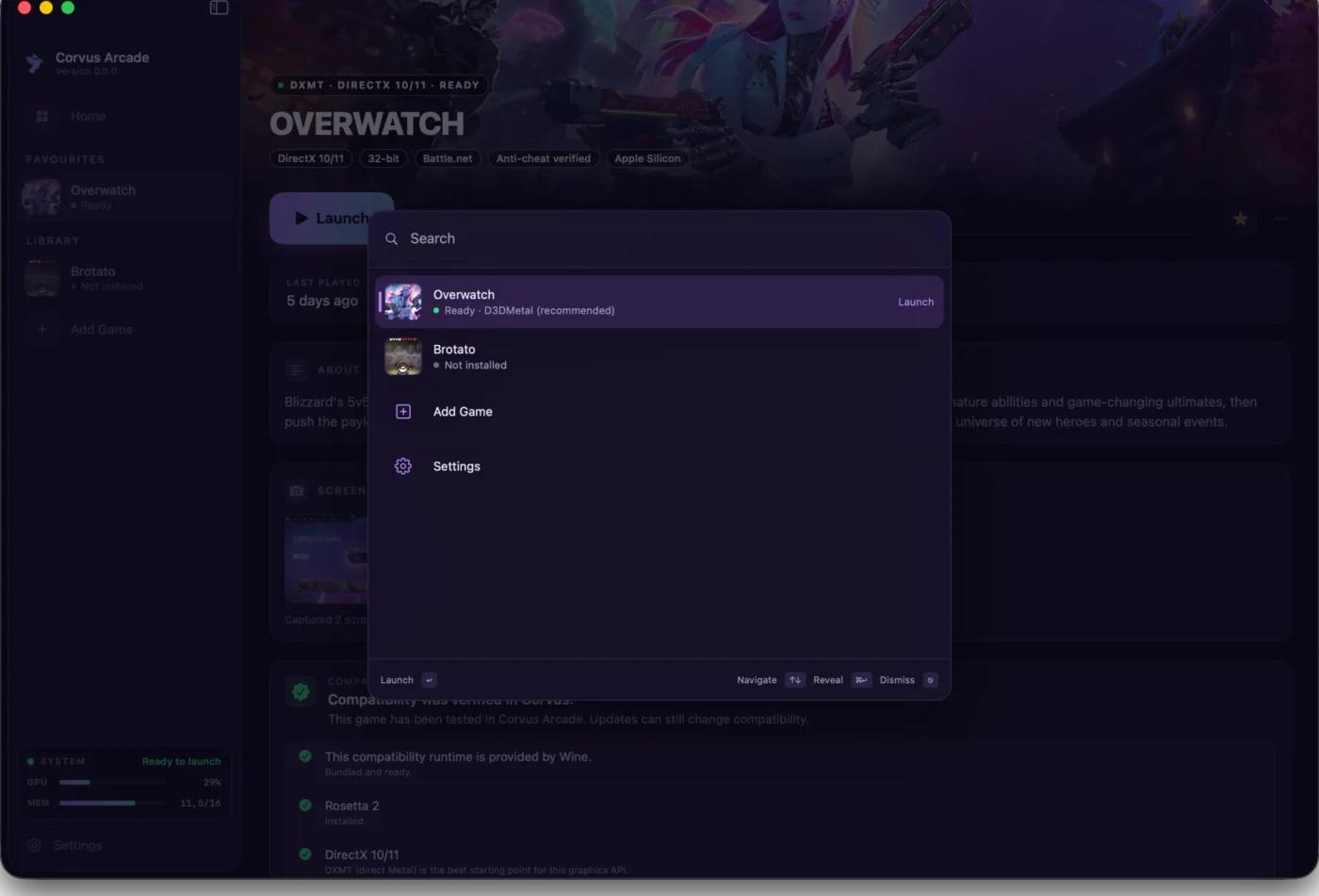
| Open games and actions instantly with Command-K. | Protect saves and the full game container before changes. |
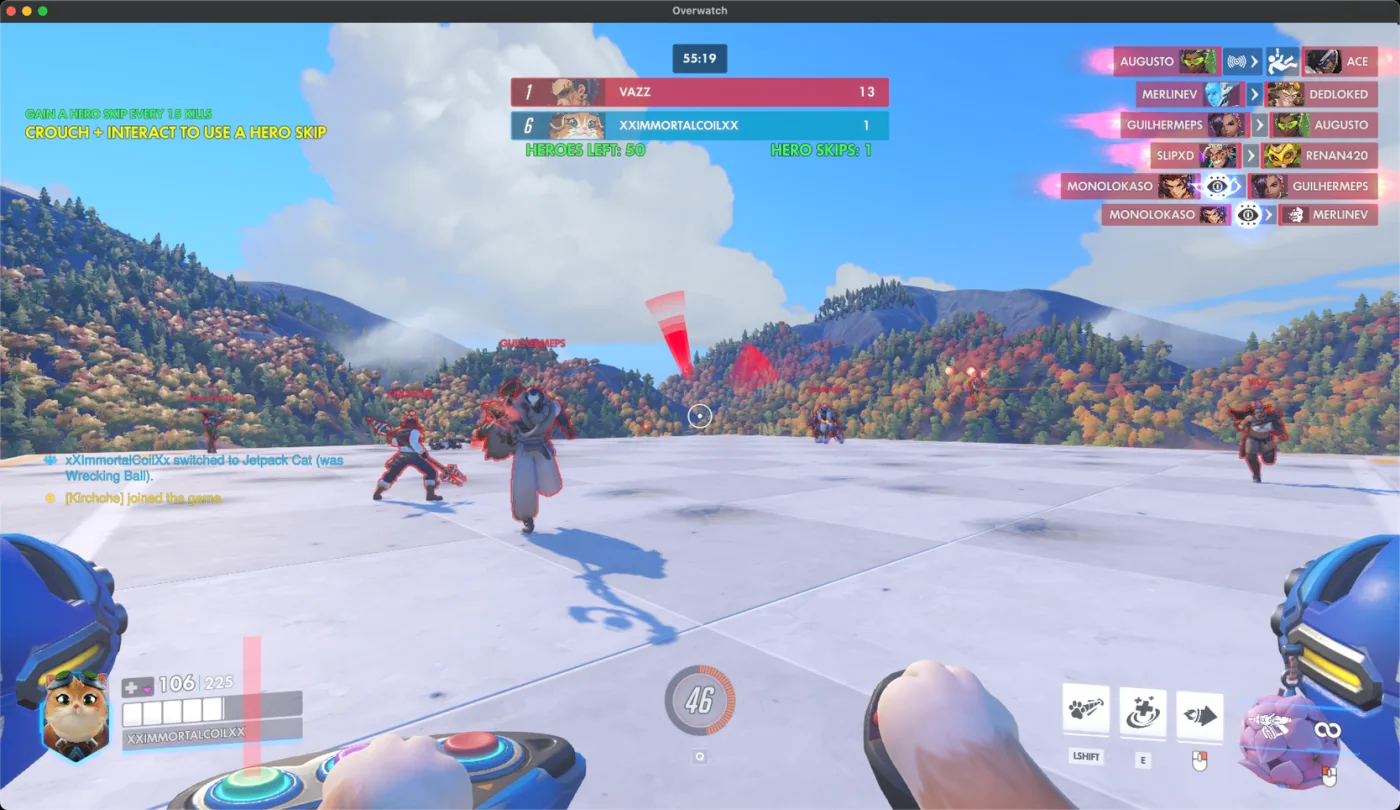
Overwatch in a live match, running in a macOS window.
- Features
- Install
- What makes Corvus Arcade different
- Requirements
- Built with
- Privacy
- More from CorvusDevs
- Live GPU and memory. A GPU and memory gauge sits right next to Play, with a rolling graph while you play, so you can see how your Mac is holding up.
- Readiness checks with quick fixes. The game page flags things like tight memory and offers a one-tap fix before you start.
- Your whole library at a glance. A Home view shows each game with its live status, ready, playing, or needs setup.
- One-click Overwatch. A curated setup creates a clean container, installs Battle.net, and launches straight toward a match.
- Your own engine, bundled. Wine 11 with DXMT and Apple's D3DMetal ship inside the app. No CrossOver, no Homebrew, no terminal.
- Backend picker. Choose DXMT (open-source Metal D3D11) or D3DMetal (Apple's toolkit, D3D11 and D3D12), globally or per game.
- Your saves are protected. Removing a game asks first, says how many save files are at stake, and offers to export them before anything is deleted.
- Add your own games (experimental). Point it at a Windows installer or
.exe, and it builds a fresh container. You can also drag a program straight onto the library.
Complete feature list
- GPTK 3 or GPTK 4 per game
- Windowed play with Command-Tab support
- Frame-rate cap, MetalFX, and FPS overlay
- In-game screenshots and gallery
- Eight colour themes
- Favourites, search, sorting, and custom names
- Library export and restore
- DirectX and bitness detection
- Desktop shortcuts
- Automatic Rosetta setup and readiness checks
- Live installer progress and multi-part installer validation
- Automatic cover art and custom artwork
- Container repair, cleanup, reset, and disk usage
- Automatic updates
- Download the latest disk image from GitHub Releases.
- Open it and drag Corvus Arcade to Applications.
- Launch Corvus Arcade, choose a game, and follow the guided setup.
Every release is signed with an Apple Developer ID and notarized by Apple.
🎮 A launcher, not a toolkit. No CrossOver license, no Whisky bottles to hand-configure, no Terminal. The engine is bundled and the setup is one button.
🧩 Real per-game control. DXMT vs D3DMetal, GPTK 3 vs GPTK 4, fullscreen vs alt-tab-able window, and a frame cap, all switchable per game.
🐦 Built for Apple Silicon. No Intel baggage. The engine and the launcher are tuned for M-series Macs and Apple's Metal-based Game Porting Toolkit.
🛡️ Private and free. No account, no analytics, no phone-home. GPTK ships under Apple's non-commercial terms, so Corvus Arcade is free.
- Apple Silicon Mac (M1 or newer)
- macOS 26 or later (26.4 for the GPTK 4 backend)
- Rosetta 2 (the app installs it for you if it is missing)
- Around 60 GB free for a Battle.net + Overwatch install
- Corvus Arcade checks a multi-part installer's files before anything runs, and says if one is missing or damaged.
SwiftUI · Wine 11 · DXMT · Apple D3DMetal / Game Porting Toolkit · Rosetta 2 · Sparkle
No accounts, no analytics, no telemetry, no tracking. Corvus Arcade runs entirely on your Mac. It downloads the Battle.net installer directly from Blizzard and, optionally, cover art from public sources; nothing else leaves your machine.
| App | Description | |
|---|---|---|
 |
Corvus Display | Brightness, color, and resolution for any Mac display |
 |
Corvus Player | The most powerful media player for macOS |
 |
Ekual | Automatic loudness equalization for macOS |
 |
Corvus RSS Reader | Privacy-first RSS reader for Safari |
 |
Purple Crow for Safari | BTTV, FFZ & 7TV emotes plus 50+ Twitch features |
Made with care by CorvusDevs · Not affiliated with Blizzard, Apple, or CrossOver