VR pool simulator written in Python (using pyopenvr)
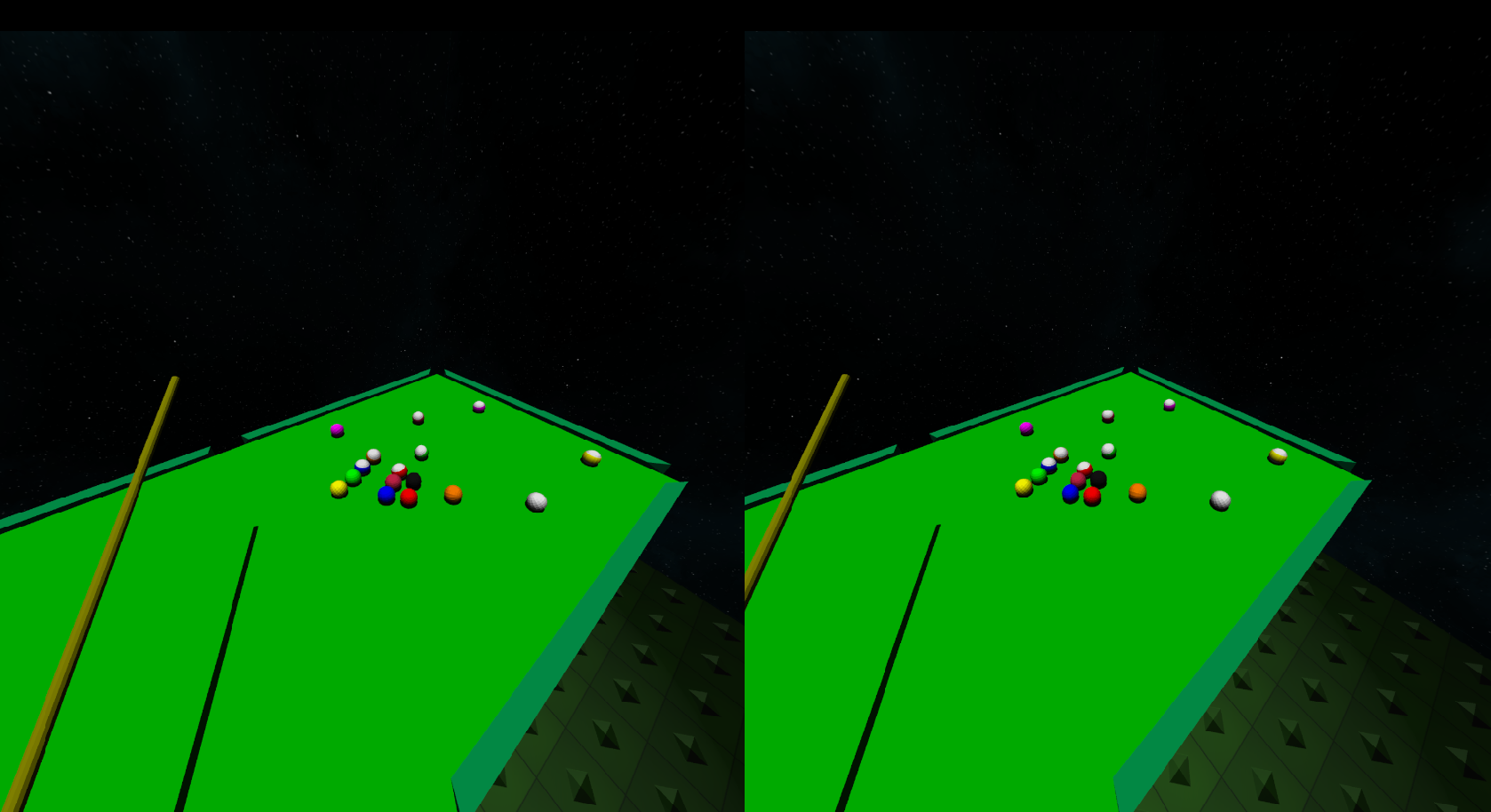
- pyopenvr for VR
- ode: Python-bindings to the Open Dynamics Engine which provides a time-stepped pool physics simulation (rather than the internal event-based simulation)
- sounddevice and soundfile for sound
- pytest and matplotlib
-
Install the required dependencies. You can probably install most of the required packages via
pipwith the following exceptions:cyflw3: Ifpip install cyglfw3fails, you may try building the package yourself::-
Build or download the
glfwlibrary binary for your platform: The easiest way is to download pre-compiled binaries from the officialglfwsite: [http://www.glfw.org/download.html] -
Clone and build the cyglfw3 package:
git clone https://github.com/jzitelli/cyglfw3.git cd cyglfw3 python setup.py build_py build_ext \ --include-dirs=<path to glfw include dir> --library-dirs=<path to glfw dll dir> python setup.py installode: Ifpip install odefails, you may try building the package yourself::- Clone and generate a Visual Studio solution (
.sln) for building the library:
git clone https://github.com/jzitelli/ode.git cd ode/build premake4.exe --only-shared --only-double --platform=x64 vs2010-
Open the generated solution in Visual Studio and follow any upgrade suggestions that your version of Visual Studio makes.
-
Compile a Release build for your target architecture (I believe this should match your version of Python, e.g. x64 or x86).
-
Copy the built library
ode.dllto a location in your PATH. -
Build the Python bindings by running from the Visual Studio Native Tools command-line:
cd <ode root directory>/bindings/python python setup.py build_ext install -
-
Build and install the
poolvrpackage:
cd <poolvr.py root dir>
python setup.py install
To start poolvr in VR-mode, run from command-line:
poolvr
To run without VR:
poolvr --novr
To see all available command-line options:
poolvr -h
cd <poolvr.py root dir>/test
pytest
To see all available test command-line options:
pytest -h