The repository containing the dotfiles for my Hyprland daily driver, featuring a Gawr Gura theme.
| Category | Application |
|---|---|
| Distro | Arch |
| WM | Hyprland |
| Terminal | kitty |
| Shell | fish |
| Prompt | Starship |
| Editor | VSCode/Neovim |
| Browser | Google Chrome |
| Music | Spotify |
| Bar | Waybar |
| Discord | Vencord |


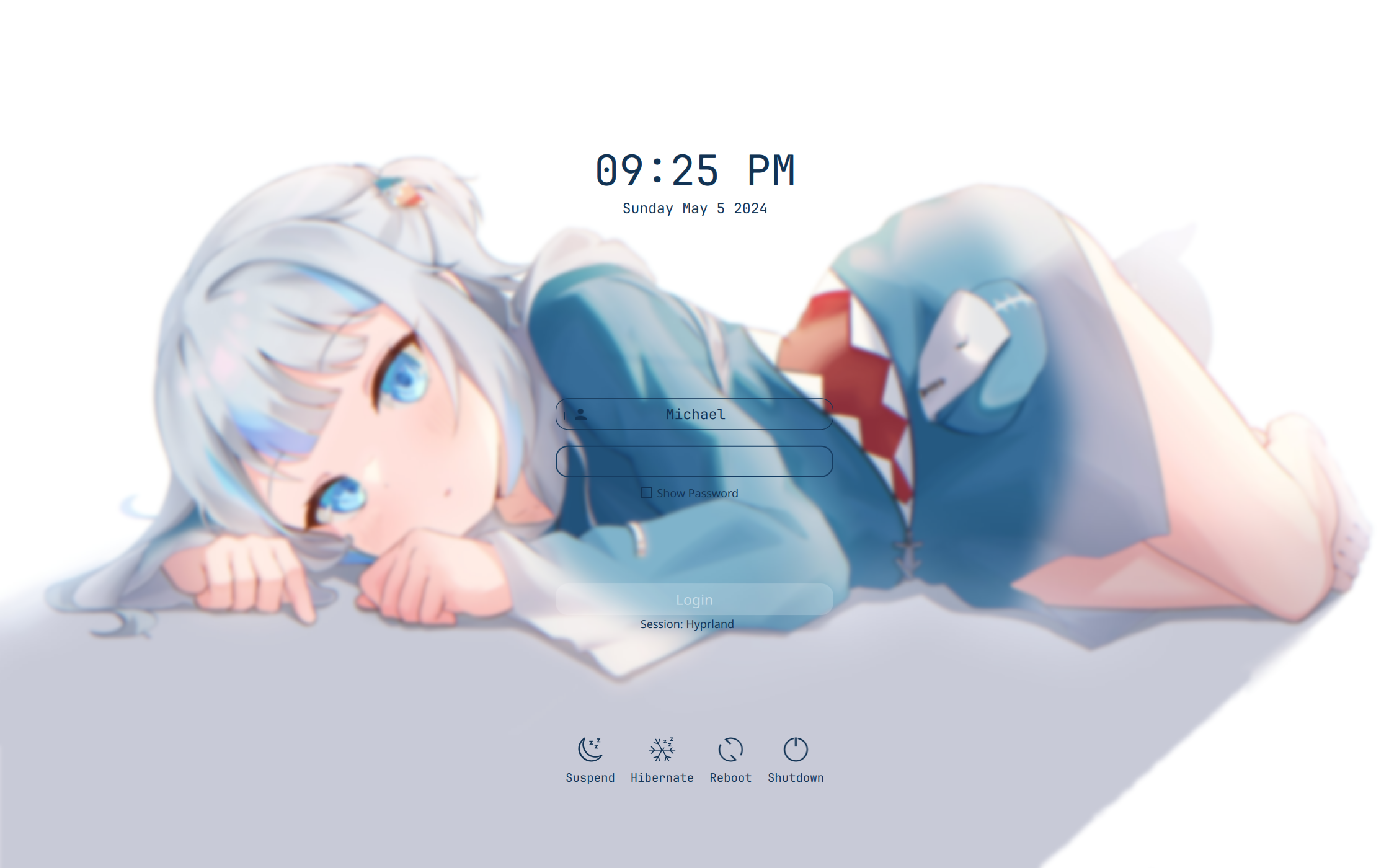
A video can be found here
$ git clone https://github.com/FireStreaker2/dotfiles
$ cd dotfiles
$ chmod +x install.sh
$ ./install.sh
Note that this script is only for Arch based distributions, but feel free to modify it yourself to fit your own setup!
The screen resolution I use is 2240x1400, which means if you use a different one some things might be in the wrong position. Feel free to fork this repository and make your own edits!
To see all keybinds in-depth, along with their underlying logic, please refer to my hyprland.lua file. For waybar shortcuts, check out my waybar configuration.
| Keybind | Action |
|---|---|
SUPER + A |
Open terminal (kitty) |
SUPER + S |
Open application launcher (wofi) |
SUPER + W |
Open file manager (thunar) |
SUPER + L |
Lock screen (hyprlock) |
SUPER + M |
Open logout menu (wlogout) |
SUPER + SHIFT + M |
Exit Hyprland |
SUPER + J |
Toggle split direction |
SUPER + ESC |
Close active window |
SUPER + SHIFT + ESC |
Force kill active window |
SUPER + TAB |
Toggle floating mode |
SUPER + SHIFT + S |
Select area and take screenshot |
SUPER + F |
Toggle fullscreen |
Print |
Take full-screen screenshot |
SUPER + ← |
Focus window to the left |
SUPER + → |
Focus window to the right |
SUPER + ↑ |
Focus window above |
SUPER + ↓ |
Focus window below |
SUPER + 1–9 |
Switch to workspace 1–9 |
SUPER + 0 |
Switch to workspace 10 |
SUPER + SHIFT + 1–9 |
Move active window to workspace 1–9 |
SUPER + SHIFT + 0 |
Move active window to workspace 10 |
SUPER + Scroll Up |
Switch to next workspace |
SUPER + Scroll Down |
Switch to previous workspace |
SUPER + Left Click |
Drag active window |
SUPER + Right Click |
Resize active window |
SUPER + SHIFT + ← |
Resize window left |
SUPER + SHIFT + → |
Resize window right |
SUPER + SHIFT + ↑ |
Resize window up |
SUPER + SHIFT + ↓ |
Resize window down |
SUPER + R |
Switch to Dwindle layout |
SUPER + SHIFT + R |
Switch to Master layout |
SUPER + ' |
Swap active window with master |
Volume Up |
Increase volume |
Volume Down |
Decrease volume |
Mute |
Toggle audio mute |
Play/Pause |
Toggle media playback |
Brightness Up |
Increase brightness by 10% |
Brightness Down |
Decrease brightness by 10% |
SUPER + V |
Open clipboard history |
SUPER + . |
Open emoji picker |
My dotfiles have been heavily inspired by these, and some are directly modified versions of the original
- https://github.com/prasanthrangan/hyprdots
- https://github.com/end-4/dots-hyprland
- https://github.com/zDyanTB/HyprNova
- https://github.com/SolDoesTech/hyprland
- https://github.com/7KIR7/dots
- https://github.com/Comfy-Themes/Spicetify
- https://github.com/Comfy-Themes/Discord
Since these are my personal dotfiles, I won't be accepting any contributions regarding the actual configuration files. However, feel free to help edit the README or installation script!