Quickstart
The fastest way to understand GenOS is to run a deterministic product proof, inspect the generated evidence, and then explore the CLI lifecycle. No model-provider key is required for the first two demos.
- Git
- Rust
1.88or newer - Bash on Linux/macOS, or PowerShell on Windows
- Node.js
20.19+on the 20.x line or22.12+only if you want Studio
git clone https://github.com/PISSARAW/GenOS.git
cd GenOSLinux/macOS:
./run-demo.shWindows:
.\run-demo.ps1The demo builds the CLI and proves a compact lifecycle:
create agent A
   ↓
snapshot S0
   ↓
fork sibling agents A1 and A2
   ↓
verify distinct identity and event streams
   ↓
mutate one branch and show the diff
A successful run ends with:
Demo OK: Agent A -> snapshot S0 -> forks A1/A2
Generated data stays below .genos/demo/clone-without-llm/.
./examples/safe-debugging-demo/run-demo.shThis demo starts from a real failing fixture, creates three isolated candidate worlds, runs the same five tests, restores the baseline, replays the winning mutation, compares the result exactly, and applies an explicit promotion gate.
Inspect:
-
examples/safe-debugging-demo/artifacts/latest.jsonfor the result summary; -
examples/safe-debugging-demo/artifacts/events.jsonlfor the append-only operation trace; - Studio → Safe Parallel Debugging for the visual evidence view.
Read Safe parallel debugging for the full walkthrough.
cargo build -p genos-cli
cargo run -p genos-cli -- --help
Use cargo run -p genos-cli -- ... in place of genos ... unless the binary is installed on your PATH.
The complete lifecycle tutorial covers:
init → create genome → snapshot → capsule → fork → run
     → diff → evaluate → merge/promote → lineage → replay
Follow the repository tutorial for exact commands and generated identifiers.
Choose one concept at a time:
./examples/counterfactual-demo/run-demo.sh
./examples/divergent-writes-demo/run-demo.sh
./examples/divergent-worlds-demo/run-demo.sh
./examples/snapshot-restore-demo/run-demo.sh
Runner names can vary by example; open its README before invoking it. See Examples & evidence for the catalog.
Start the backend:
cd backend
npm ci
npm start
In a second terminal, from the repository root:
cd studio
npm ci
npm run dev
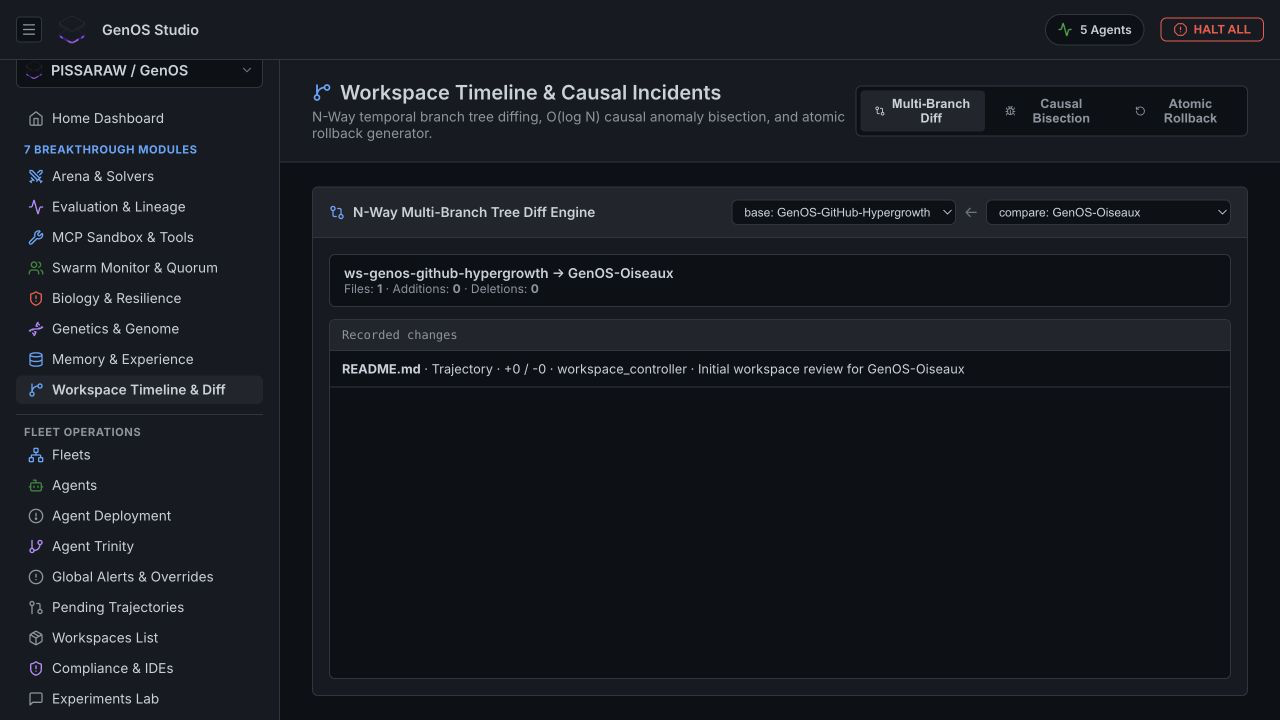
The backend listens on http://localhost:4000; Vite prints the frontend URL.
- How GenOS works for the complete execution lifecycle.
- Isolation, replay & provenance for the determinism and security boundary.
- Studio & interfaces for CLI, MCP, API, and UI integration.
- Evidence & contribution before making or publishing a performance or security claim.