


RyotunesNix brings Ryotunes to Ryoku on NixOS, completely building it from the ground up to natively support NixOS first. The entire application is written in rust and QML, the old version using Tauri + WebKitGTK is still avaliable as a fallback.
|
Multiple Providers Ryotunes includes streaming from Spotify, YT Music, Souncloud, Tidal and music from your local library, Ryotunes also includes a dedicated installer to install all your music and keep it local. |
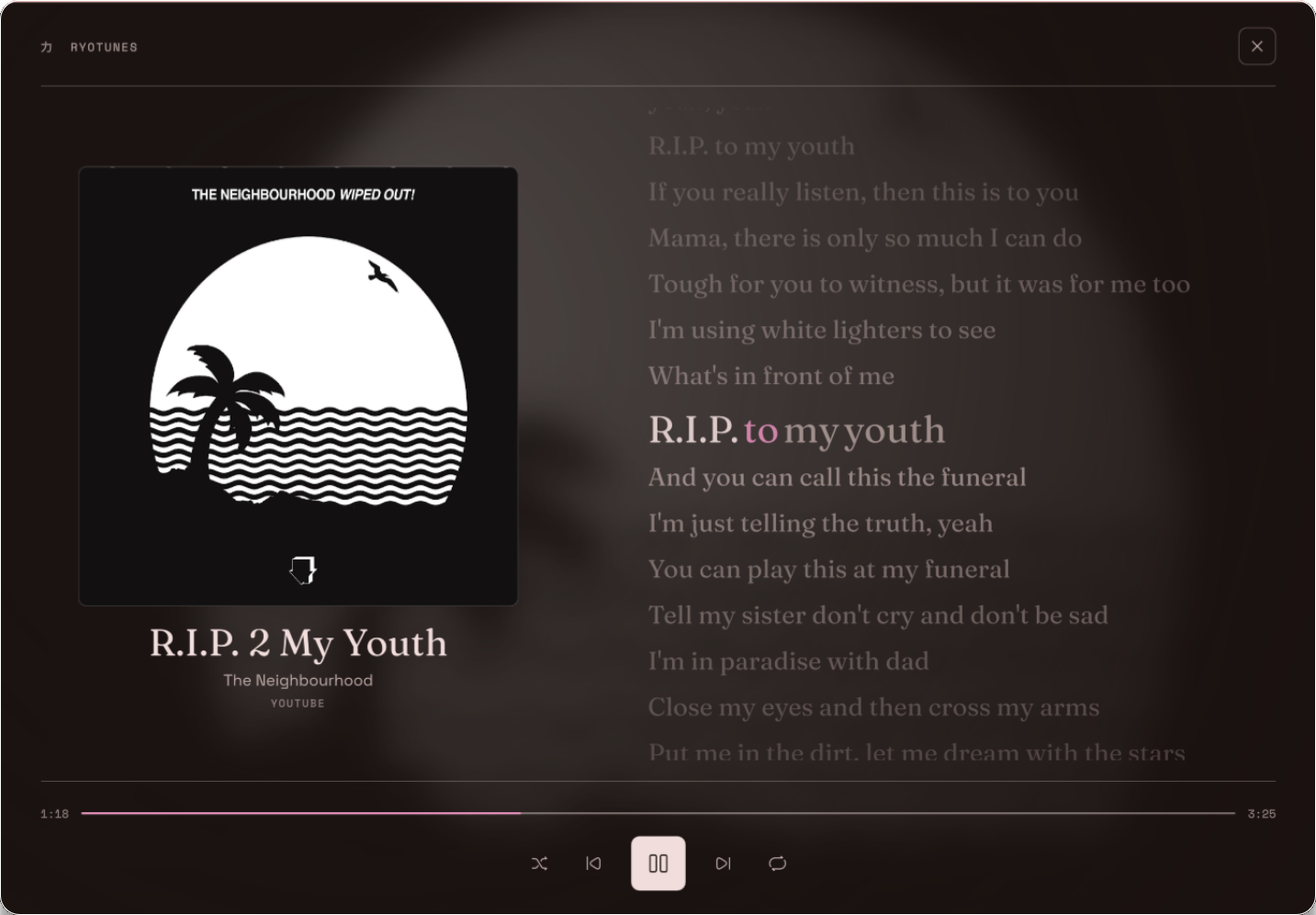
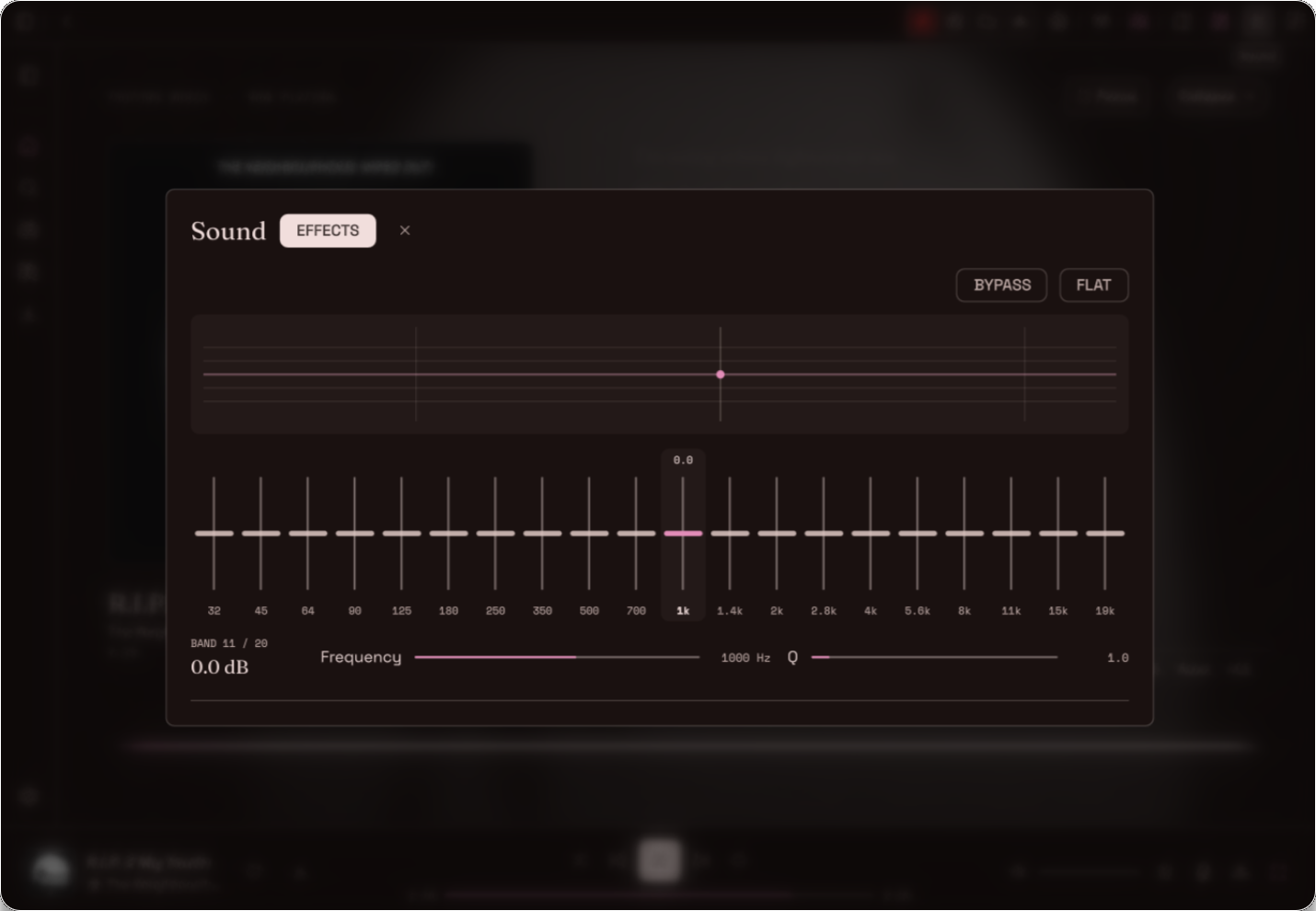
Audiophile Mode Audiophile Mode adds a 20 band parametric EQ with frequency and gain sliders, it also includes a bar and curve cava spectrum, oscilloscope and a vectorscope and a dedicated focus mode with live lyrics. |
|
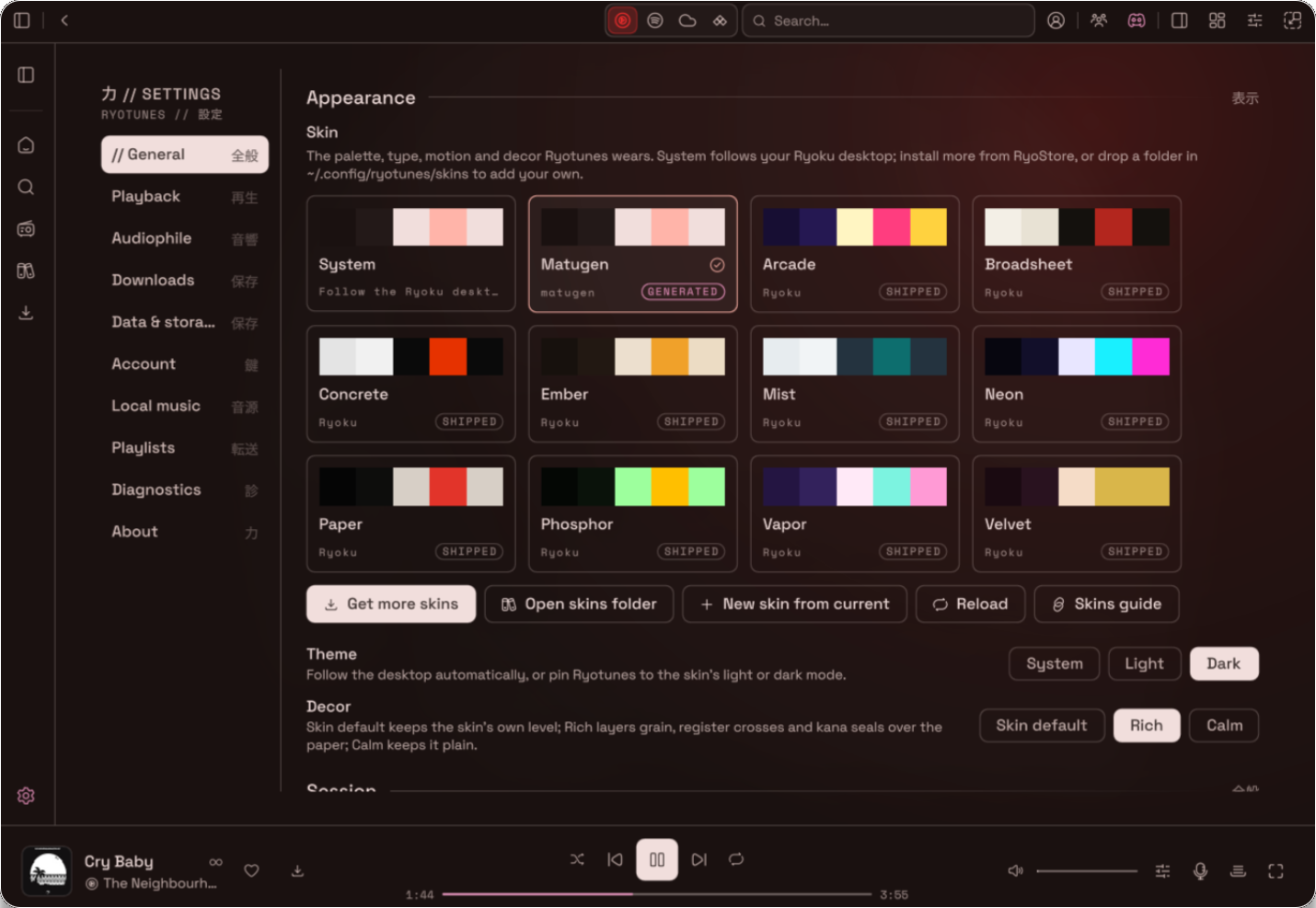
Customisability Ryotunes comes bundles with 12 default themes and a Matugen theme, the Ryostore contains 20+ more additional themes made by the community and fully compatable with Ryotunes. |
Discord RPC Ryotunes comes with a fully customisible and native Discord Rich Presence automatically detecting Discord/ Vesktop and adding it to your ptofile automatically when listening. |
RyotunesNix is integrated into the Ryoku on NixOS package bundle. On a supported Ryoku installation, launch it from your app launcher by typing "Ryotunes"
To try the native application from this repository run
nix run github:Ryoku-dev/RyotunesNixOr build the package
nix build github:Ryoku-dev/RyotunesNix#ryotunesThe flake only supports x86_64-linux. A standalone flake installs Ryotunes but does not automatically install the Ryoku NixOS user services. The native client needs a running ryotunesd daemon. For the fully managed desktop experience use the Ryoku on NixOS integration.
Spotify playback through Soloist uses an optional external backend. RyotunesNix includes the neccesary tools but it does not bundle the Soloist executable by default. After obtaining your own permitted Soloist executable and API key, run the one time setup
nix run 'github:Ryoku-dev/RyotunesNix#setup-soloist' -- /path/to/soloistThe setup creates a systemd user service that starts Soloist on login. Your key stays locally on your PC, outside the Nix store. A running Soloist backend and the ryotunesd daemon are both required to play Spotify on Ryotunes, other providers work by default.
See Spotify Soloist setup and troubleshooting for the full instructions for install <3
Want to customise it? Start with the skin guide and design language. For source changes, read CONTRIBUTING.md.
RyotunesNix is maintained by aethctl
Licensed under GPL-3.0-or-later.
力 · RyotunesNix