Repository navigation
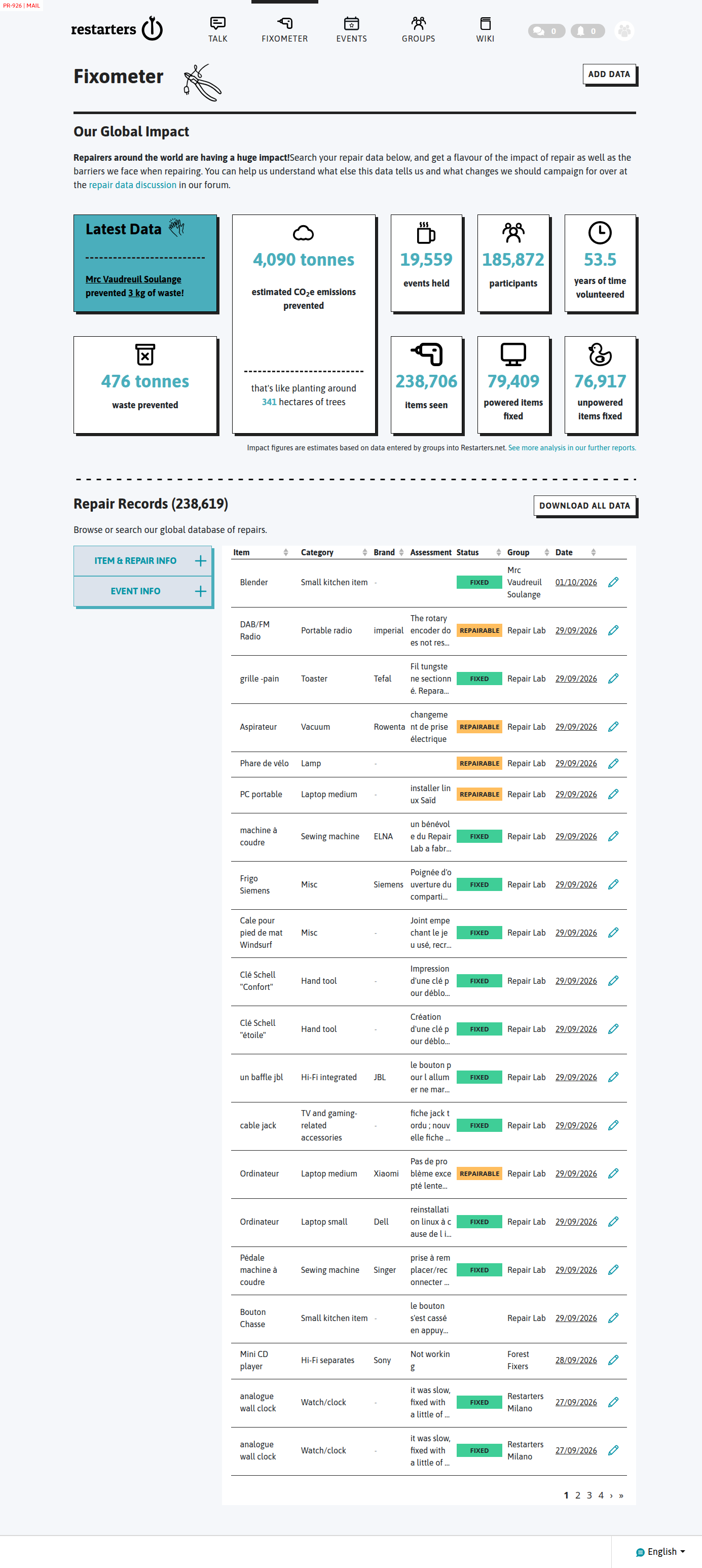
Fixometer page - fix issues with the repair records section #924
Description

- fix issues with sorting and filtering
- remove tabbed distinction between powered and unpowered items (here - but keep it on item entry section on events page, for now)
- add a powered/unpowered filter
- the values are all currently blank when you expand an item
Activity


Done in #926.
What it does
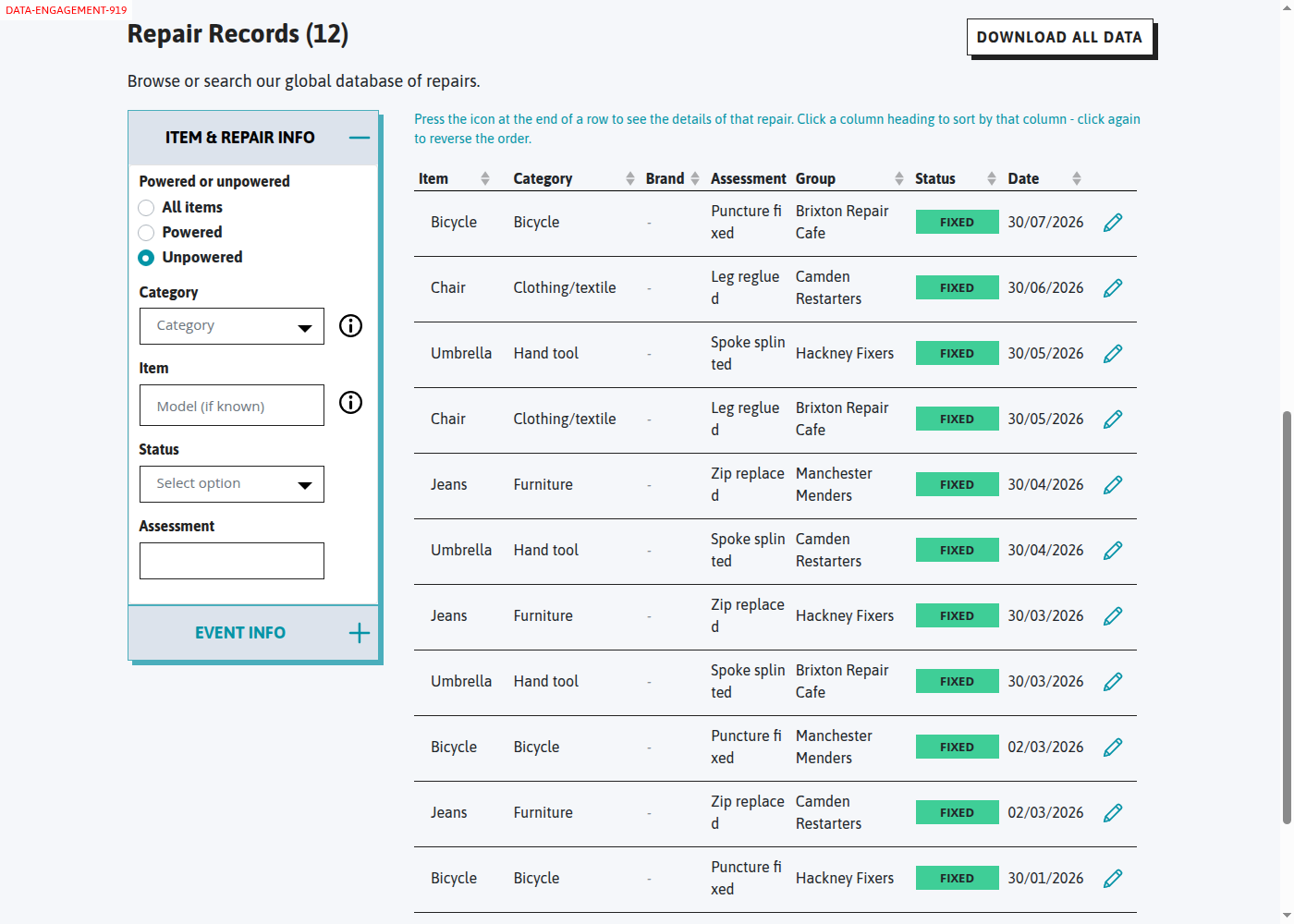
- One list of powered and unpowered records, with a Powered or unpowered filter (All items / Powered / Unpowered). The item entry on the events page keeps its tabs, as asked.
- Sorting now uses the column you click. Before, the list was always sorted by event date.
- Filtering fixes:
- The status filter works.
- The "to" date now includes events on that day.
- Deleted events are left out.
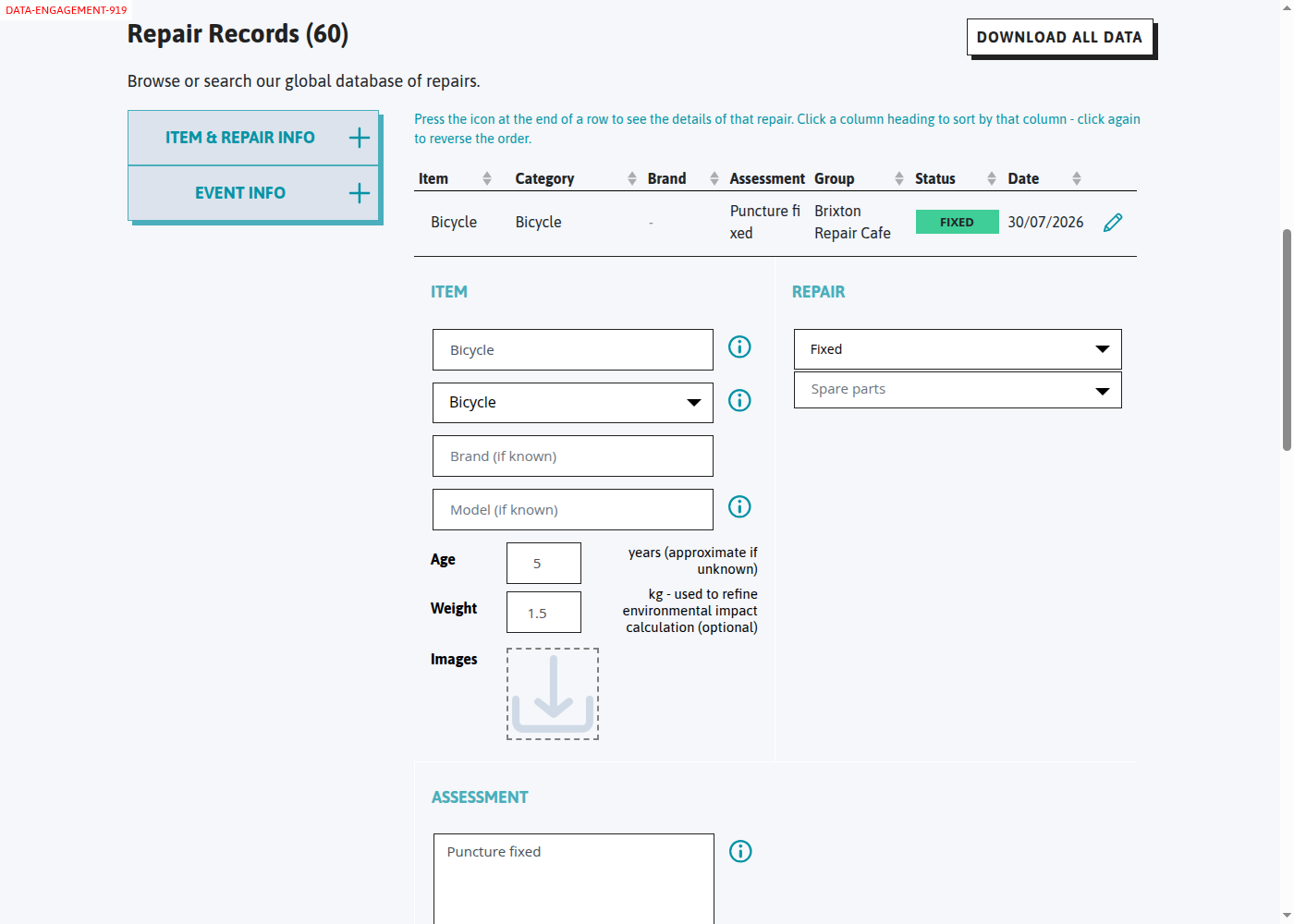
- Expanding a record now shows its details. Before, every field was blank.
- The date column is the event date, i.e. when the repair happened.
- The 'i' note now reads: "Press the icon at the end of a row to see the details of that repair. Click a column heading to sort by that column - click again to reverse the order."
- Old links like
?category_powered=/?category_unpowered=still work.
For discussion
- With Unpowered chosen, the Brand and Model filters are hidden. With All items, the category list offers both powered and unpowered categories, and both "None of the above" entries are labelled powered/unpowered.
- The Item filter box shows the placeholder "Model (if known)". It has always done this for unpowered items and is worth a tidy-up.
@edwh Great stuff, thanks.
Discussion
- (a). With Unpowered chosen, the Brand and Model filters are hidden
No need to do that anymore. Have them present always for both types. Brand and model are fields that can be collected on unpowered items, so let's allow filtering on them. The order of the Item & Repair Info filters should be: Powered or unpowered; Category; Item; Brand; Model; Assessment; Status (renamed to Repair status).
- (b). With All items, the category list offers both powered and unpowered categories, and both "None of the above" entries are labelled powered/unpowered.
That makes sense.
- The Item filter box shows the placeholder "Model (if known)"
The corresponding field during data capture shows 'What is it?' - let's just try the same here.
- Radio buttons for powered/unpowered selection.
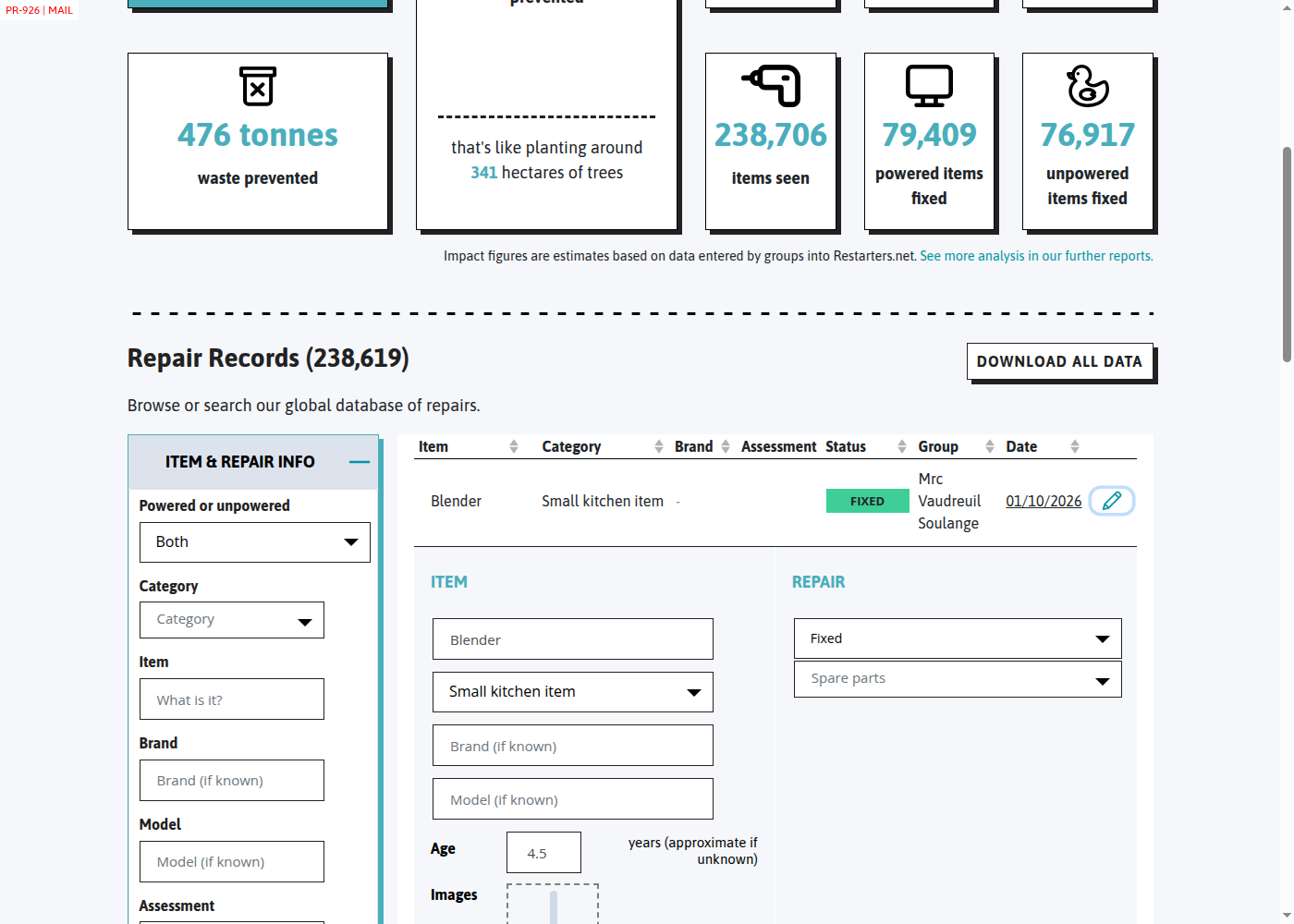
I don't particularly like it like this visually, given everything else is a select. Could it be a select too? (with optiosn 'Powered', 'Unpowered', and 'Both', and 'Both' is the default selection).
- Background colour of results list.
It was white before, now it's gone grey. Can we have it white again?
- Extra info 'i' indicators in the filters.
They're currently showing the same text as they do during data capture, which doesn't really make sense here. I don't think we need those at all here in the search filters - just ditch them.
- Column ordering.
Can we swap the order of the Group and Status columns.
- Drill-through.
Can we make it such that clicking on the date of a particular row takes you to the corresponding event, scrolled down to the item section? Either that, or add another buttom to the details section when you expand an item out, saying something like 'View event for this repair'
- Help text.
I'd argue that the 'Press the icon at the end of a row to see the details of that repair. Click a column heading to sort by that column - click again to reverse the order.' is a bit pointless. Try removing.
- Bugs on date filtering.
They all seem to work well now, hurrah. Will test more exhaustively with the testing group when we get to that stage.
- Extra info 'i' indicators on item details.
I think remove these from here. The info text that displays is generally related to when you're entering the information, not viewing it later. (Keep them in the item data capture form on events, however).
- Items from the future
I can see a number of items from the future in the list. I would guess that these are items added to events with the wrong date. So really it would be a data fix that I need to report to corresponding groups/networks. However, it looks strange as the first data you see in the list. I wonder whether we should also restrict the Fixometer list to data from events that have taken place. Actually - perhaps just set the default value for the 'To' filter to today's date. If someone wants to look at odd future data, they then could do so. Yes, let's do that.

Done in #926, point by point:
- (a) Brand and Model filters now show for every type of item. The order is Powered or unpowered, Category, Item, Brand, Model, Assessment, Repair status. "Status" is renamed Repair status. (b) Unchanged.
- The Item filter now says "What is it?".
- Powered or unpowered is now a select like the others: Both, Powered, Unpowered. Both is the default.
- The results list is white again.
- The 'i' icons are gone from the filters.
- Status now comes before Group.
- Clicking a row's date opens that event, scrolled to its items.
- The help text is removed.
- Nothing to change.
- The 'i' icons are gone from an expanded record. The item entry form on events keeps them.
- The To date now defaults to today, so records from mis-dated future events no longer head the list. Change the date to see them. Today's date isn't put into the page address, so a saved link doesn't get stuck on that day.