
This is the website for the Garrulus research project. It is built with
Jekyll, a tool that turns simple text files into a website. To
preview your changes before publishing them, you run a small web server on your own
computer that shows the site at http://localhost:4000/.
You do not need to know Ruby, Docker, or web development to edit this site. Follow the
steps below once to set up your computer, then see GUIDE.md for where the
content lives and how to change it.
New here? Read
GUIDE.mdfirst. It is a plain-language tour of the repo: what each folder is for, and exactly which file to open to change the text, photos, team members, news posts, menu, and colors.
The site needs a specific version of Ruby (3.2) to preview locally. The easiest way to get it — without touching your system's own Ruby — is a tool called mise that installs the right version automatically.
-
Install mise (once per computer). On Linux/macOS, open a terminal and run:
curl https://mise.run | shThen close and reopen your terminal. (See the mise install docs for Windows or other options.)
-
Get the code and enter the folder:
git clone https://github.com/garrulus-project/garrulus-project.github.io.git cd garrulus-project.github.io -
Install the right Ruby and the site's dependencies. The repo already pins Ruby 3.2 (via the
.ruby-versionfile), so mise knows what to fetch:mise install ruby@3.2 # installs Ruby 3.2 mise exec ruby@3.2 -- bundle install # installs the site's building blocks
From the project folder, start the local server:
mise exec ruby@3.2 -- bundle exec jekyll serve --livereloadNow open http://localhost:4000/ in your browser. Leave this running while you work:
every time you save a .md or .html file, the site rebuilds and your browser refreshes
automatically. Press Ctrl+C in the terminal to stop it.
You will see a wall of yellow DEPRECATION WARNING messages about Dart Sass and /
division when it starts — this is normal, ignore them. They come from the theme, not
from anything you did.
The .ruby-version file pins Ruby 3.2 on purpose. The site depends on a few components
(google-protobuf, sass-embedded) whose ready-made packages are only published for Ruby
older than 3.3. On newer Ruby (3.3/3.4) they try to build from scratch and fail — most
visibly on Arch Linux, whose Ruby breaks the build at the linking step. Using mise as
above sidesteps this entirely; you never touch your system Ruby.
If you tried an install before this note and it failed, delete the leftovers with
rm -rf vendor and run mise exec ruby@3.2 -- bundle install again.
There are Dockerfile.dev and docker/ files in the repo, but they are leftovers from
the original theme (they use an ancient Ruby 2.7) and are not used for this site. Stick
with mise above. If you specifically want a container, a plain
docker run --rm -it -v "$PWD":/srv -w /srv -p 4000:4000 ruby:3.2 bash -c "bundle install && bundle exec jekyll serve --host 0.0.0.0"
works, but it is not the recommended path.
The public site at https://garrulus-project.github.io is built and published
automatically by GitHub Pages whenever changes land on the master branch. GitHub uses
its own copy of Jekyll and ignores the Gemfile/Gemfile.lock in this repo — so the
local setup above is only for previewing. It has no effect on what visitors see; only
pushing to master does.
Documentation for TeXt Theme


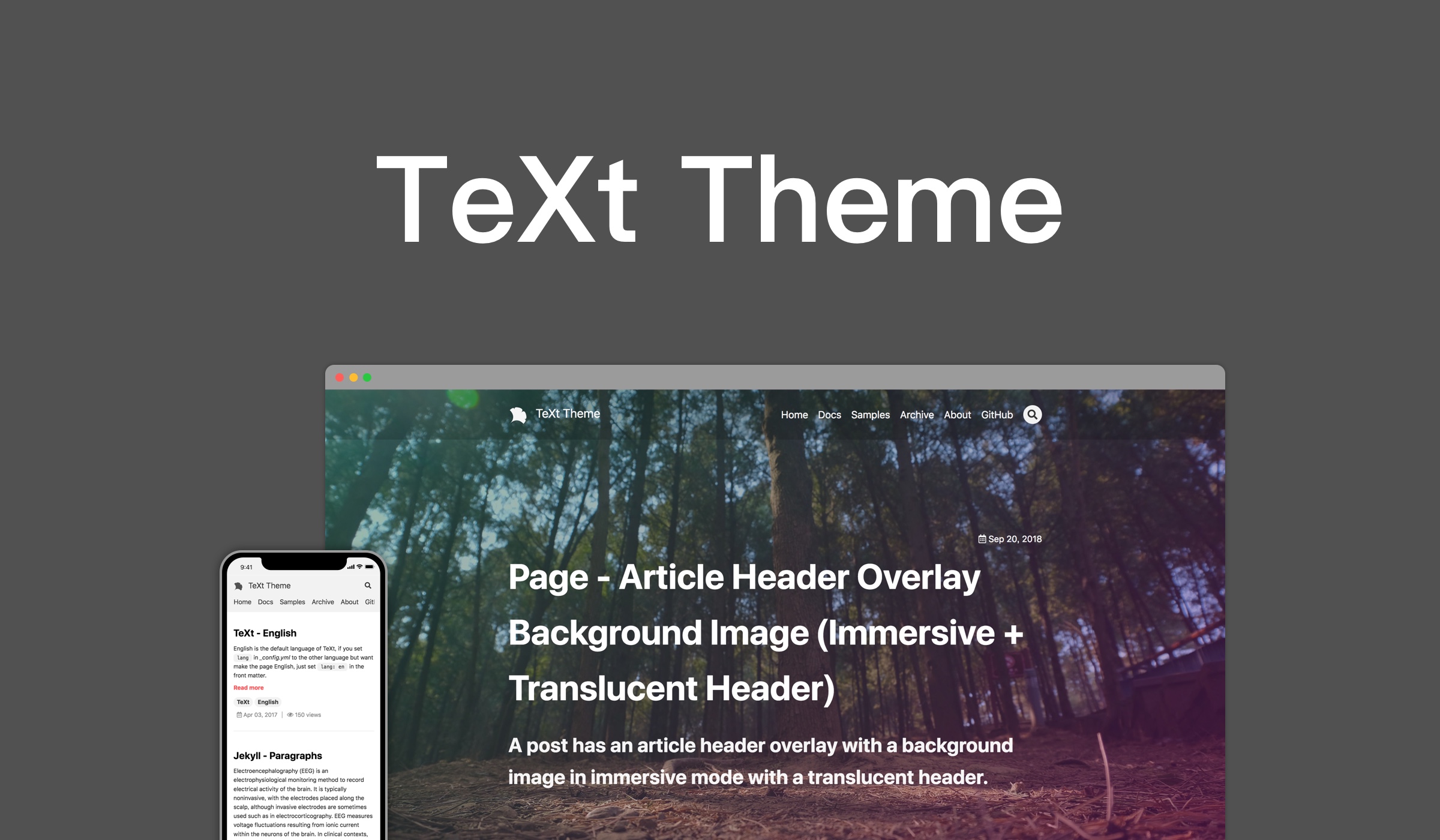
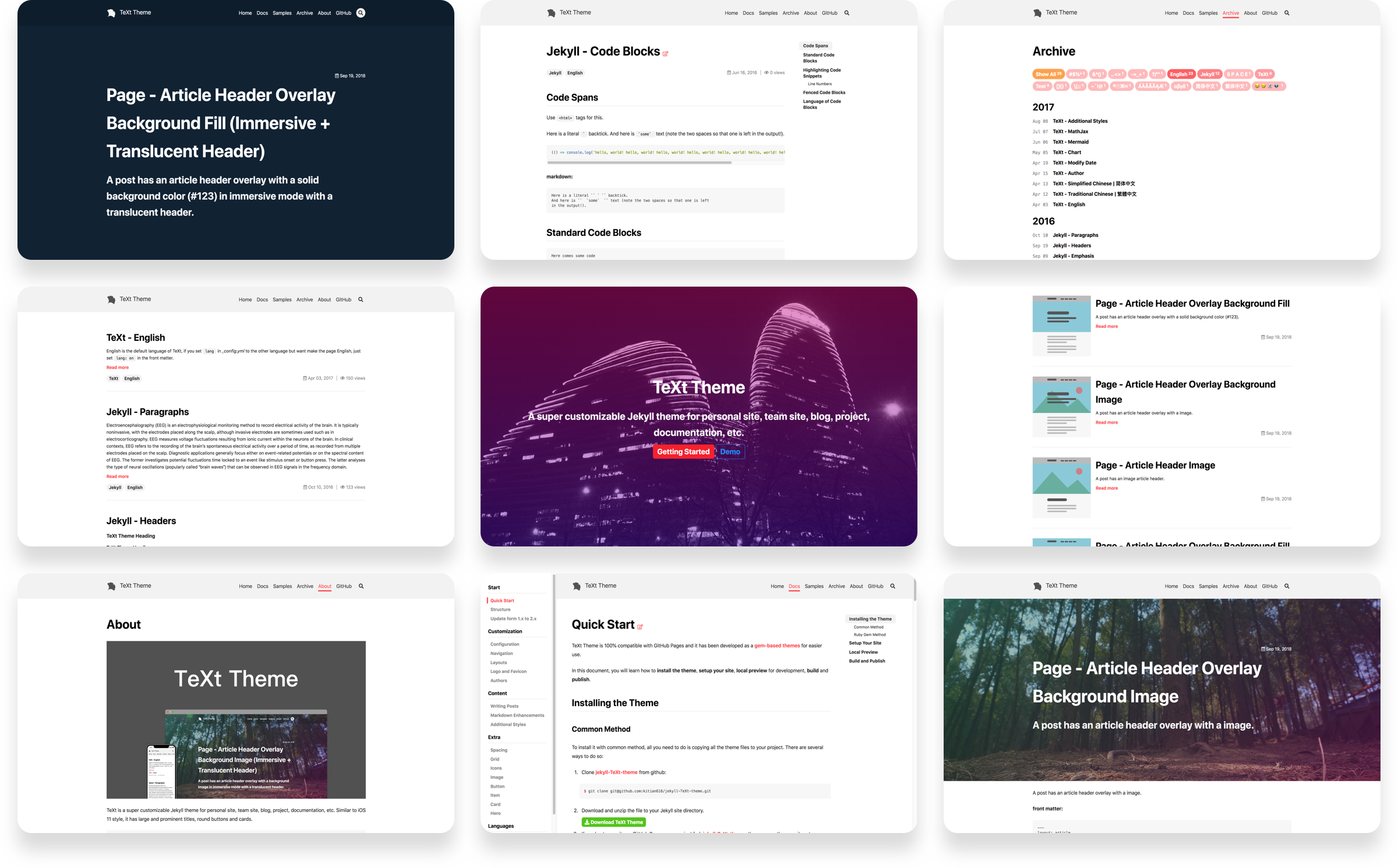
TeXt is a super customizable Jekyll theme for personal site, team site, blog, project, documentation, etc. Similar to iOS 11 style, it has large and prominent titles, round buttons and cards.
Change Log | 中文
- Responsive
- Semantic HTML
- Skins
- Highlight Theme
- Internationalization
- Search
- Table of contents
- Authors
- Additional styles (alert, tag, image, icon, button, grid, etc)
- Extensions (audios, videos, slides, demos)
- Markdown enhancements (MathJax, mermaid, chartjs)
- Sharing (AddToAny, AddThis)
- Comments (Disqus, Gitalk, Valine)
- Pageview (LeanCloud)
- Analytics (Google Analytics)
- RSS (jekyll-feed)
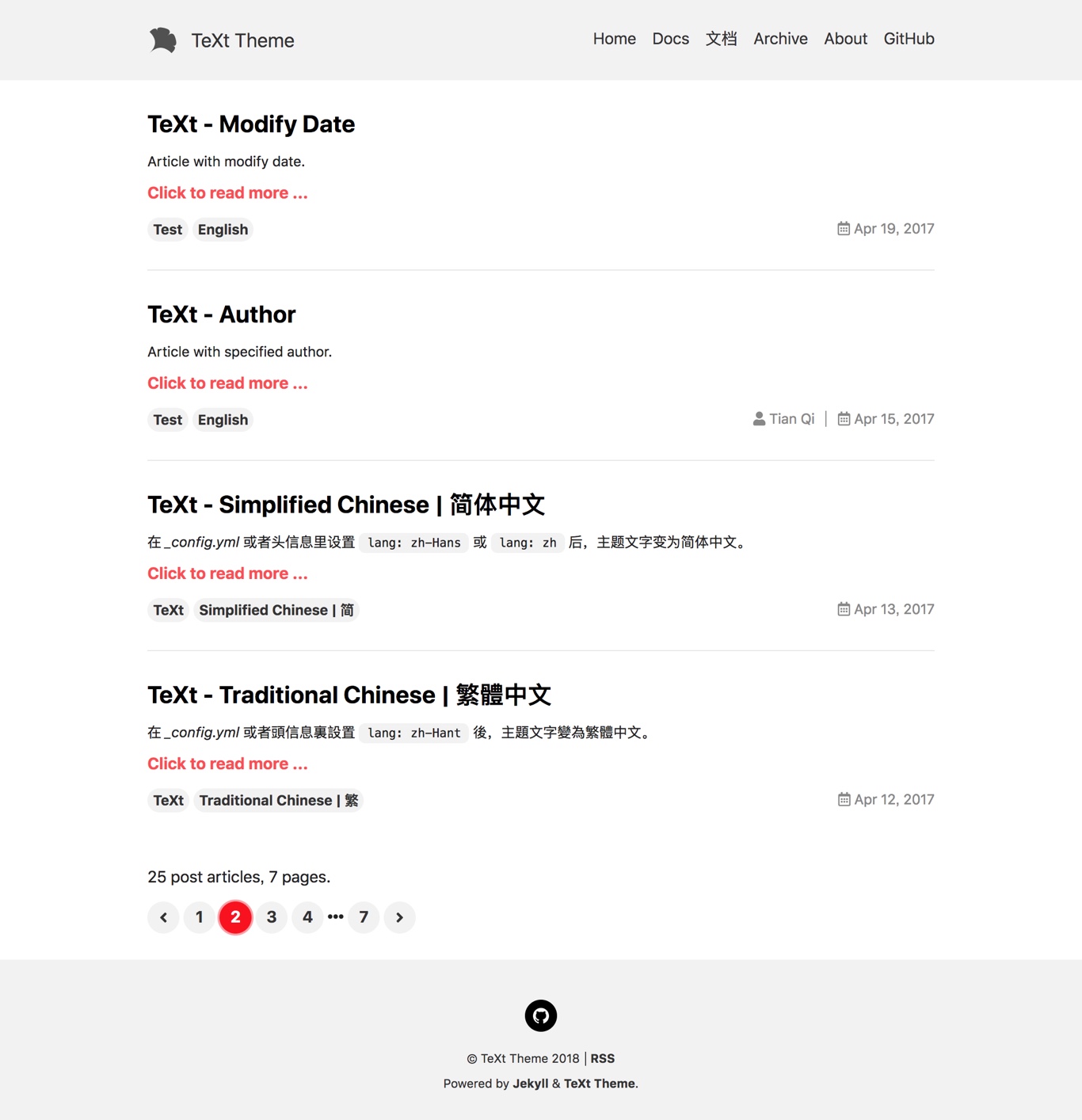
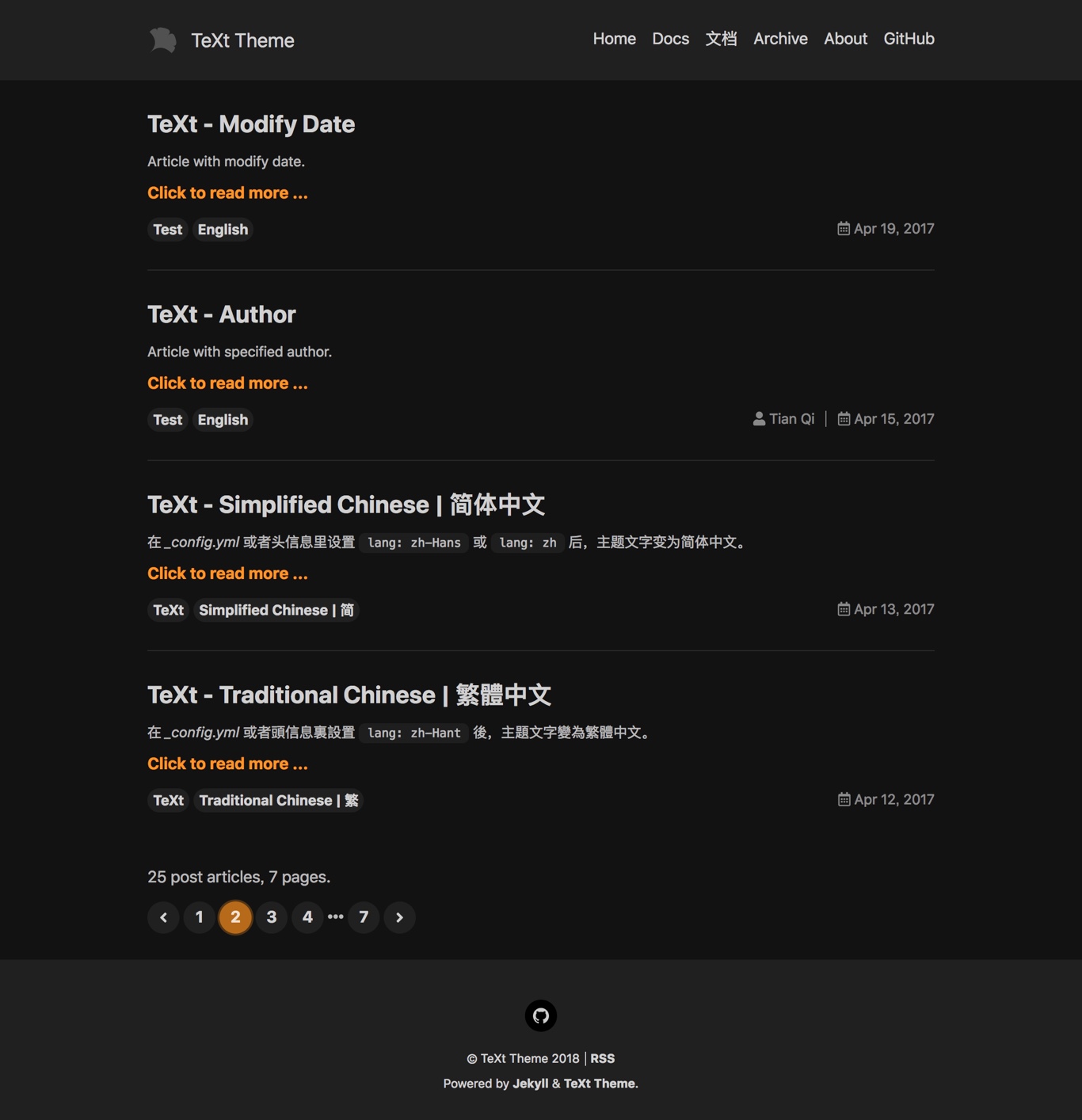
TeXt has 6 built-in skins, you can also set up your own skin.
default |
dark |
forest |
|---|---|---|
 |
 |
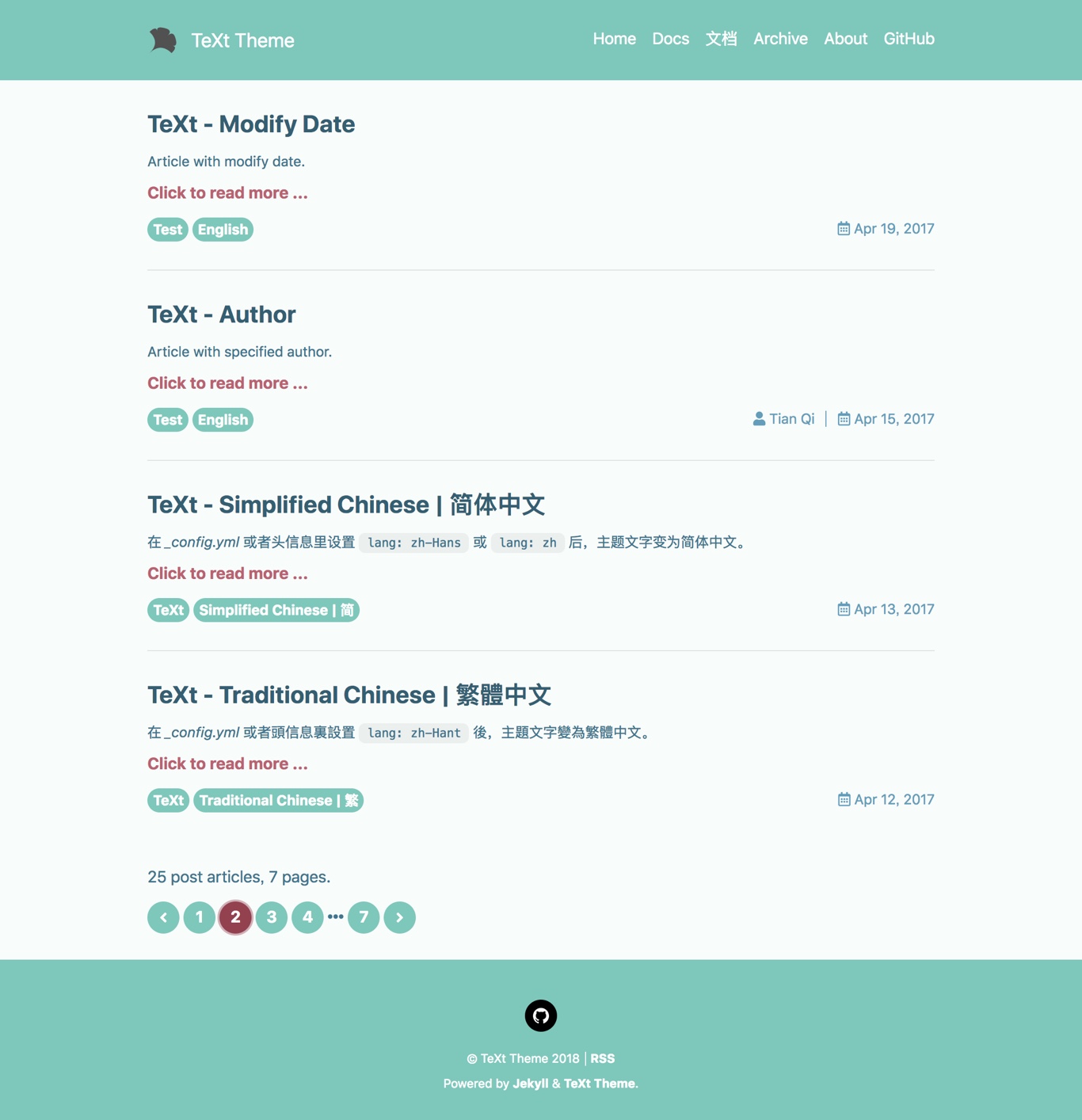 |
ocean |
chocolate |
orange |
|---|---|---|
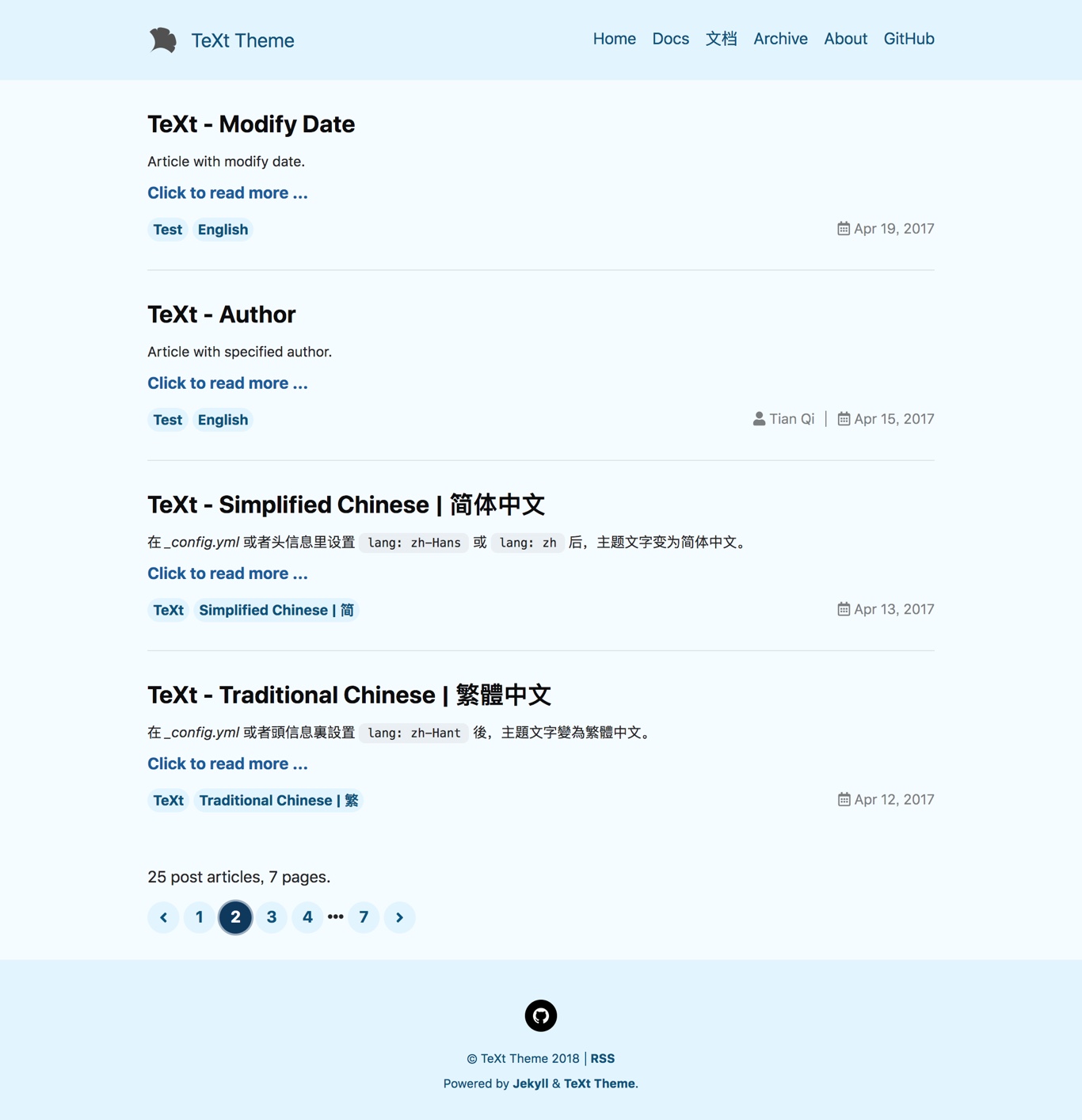 |
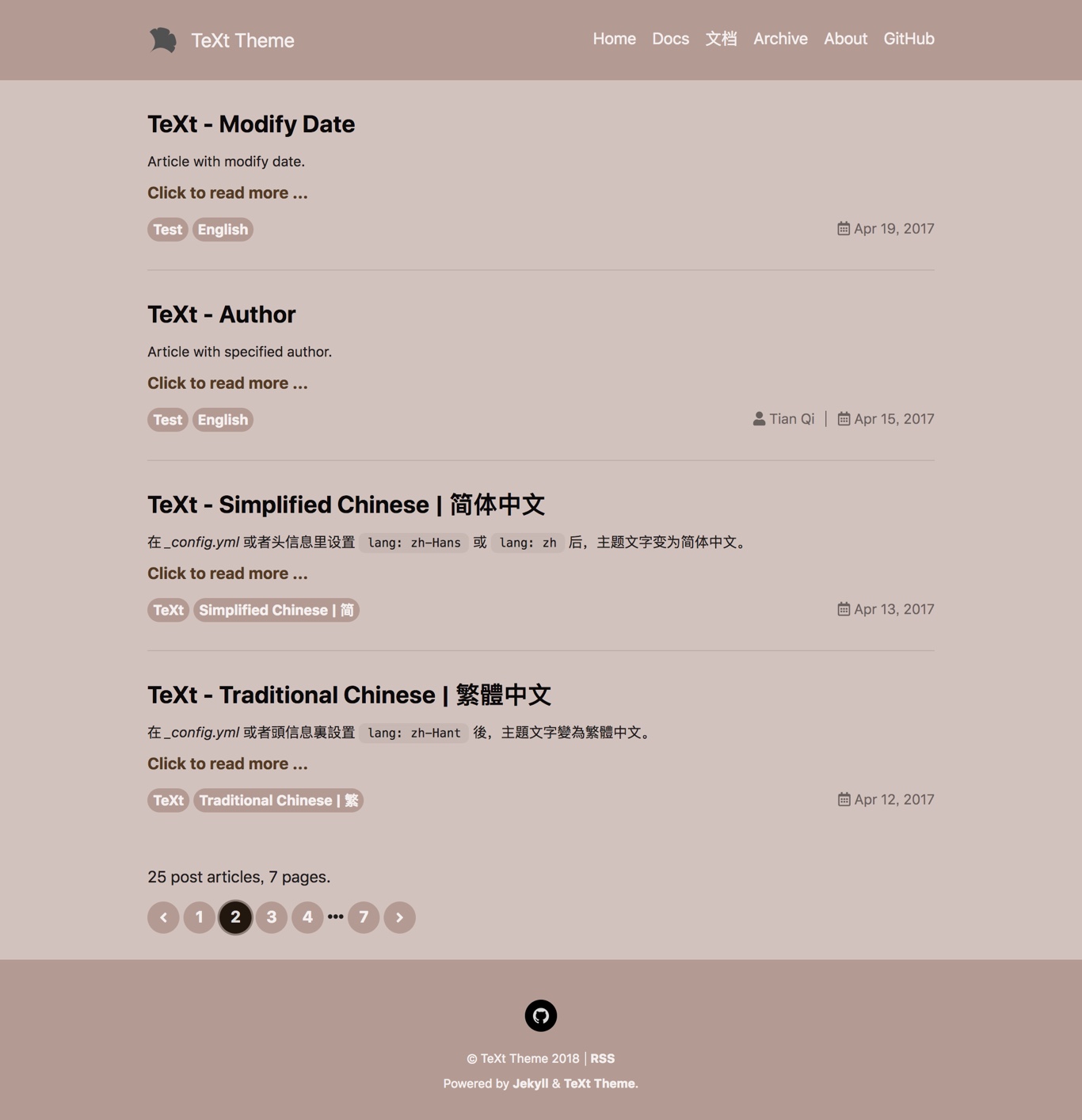 |
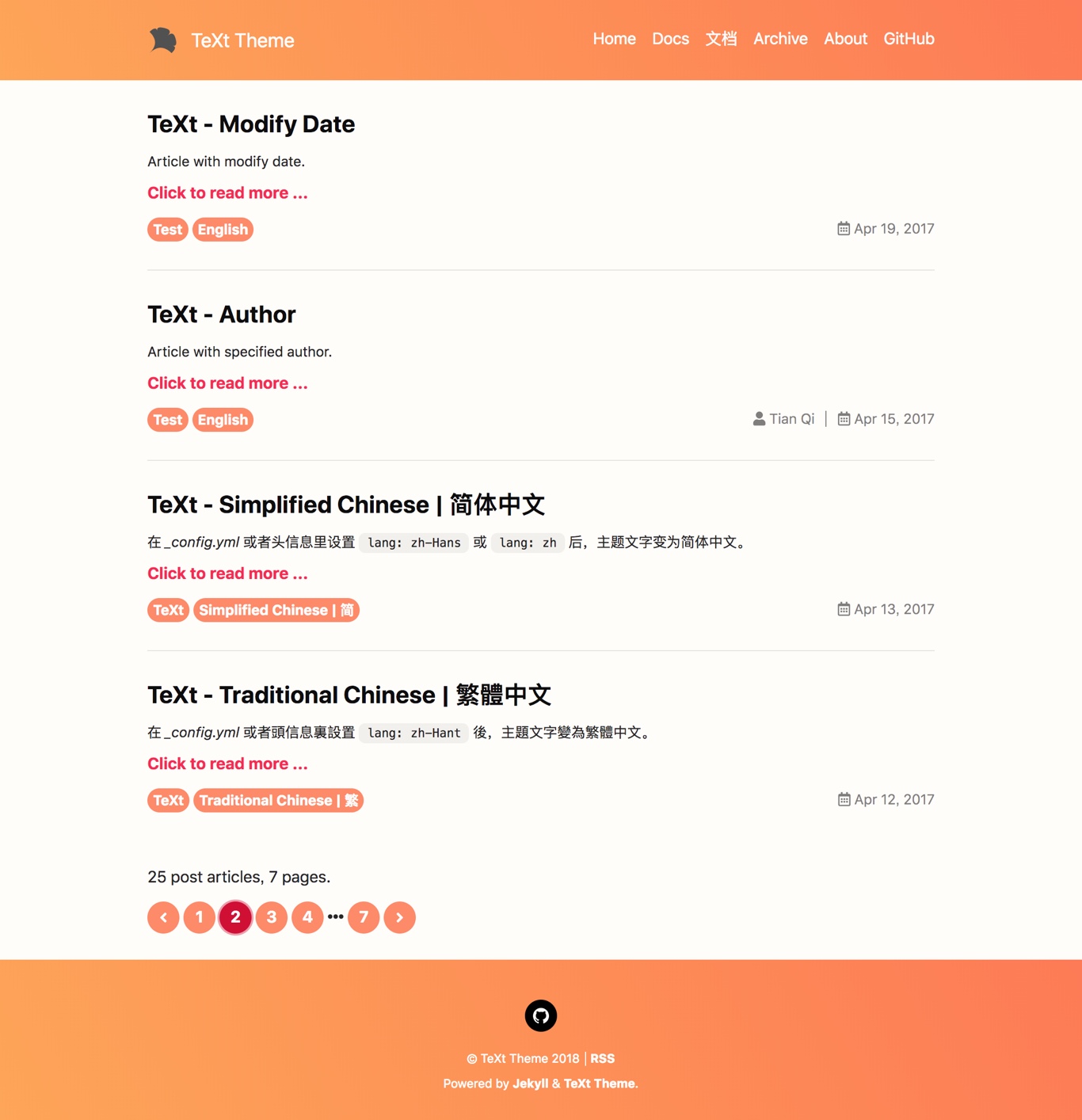 |
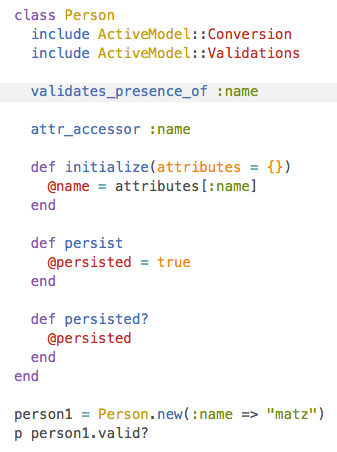
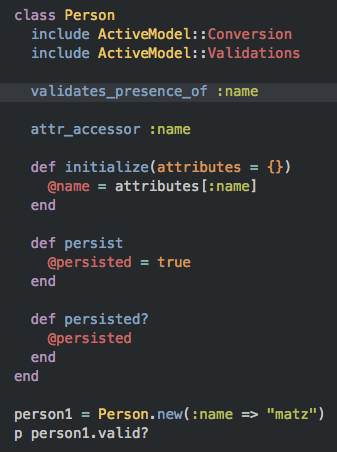
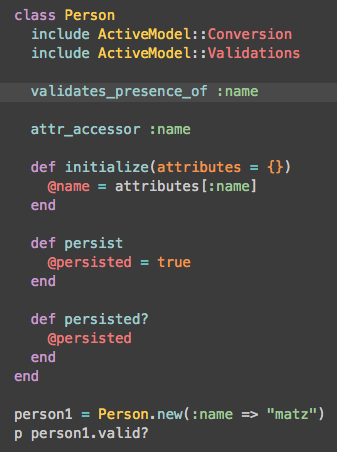
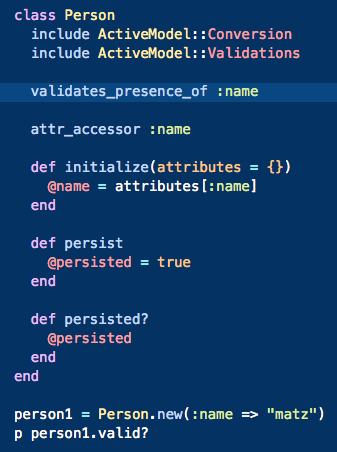
TeXt use Tomorrow as the highlight theme.
tomorrow |
tomorrow-night |
tomorrow-night-eighties |
tomorrow-night-blue |
tomorrow-night-bright |
|---|---|---|---|---|
 |
 |
 |
 |
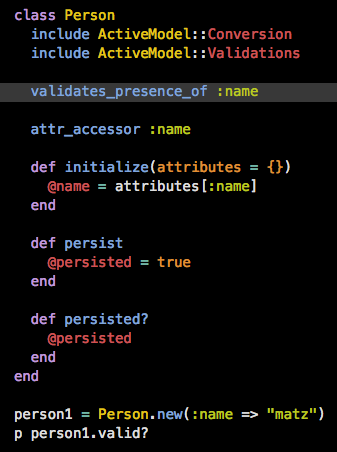 |
| Name | Description |
|---|---|
| Home | Home page |
| Archive | Archive page |
| Layout Examples | Examples for different layouts |
TeXt Theme is MIT licensed.